There’s a moment most writers know too well. You open a blank document, determined to finally write that chapter, essay, or idea that’s been rattling around your head for weeks. Then — a notification. A browser tab. A “quick check” of your email. Twenty minutes later, you’ve written zero words and somehow ended up reading about deep-sea fish.
It’s not a willpower problem. It’s a design problem.
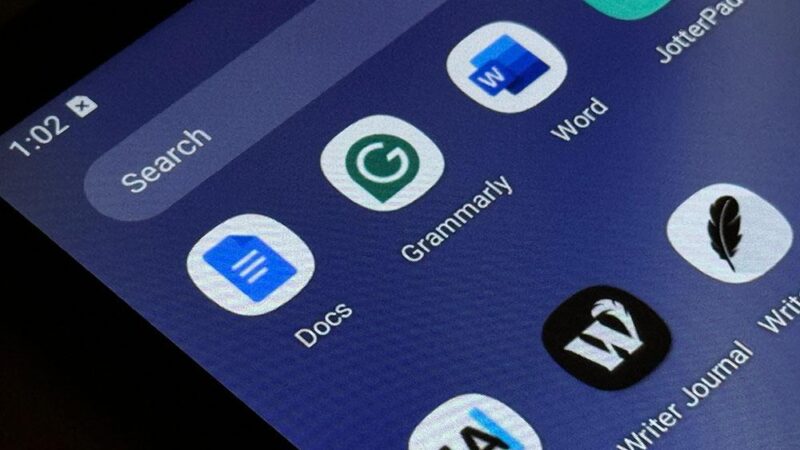
The tools we default to — Google Docs, Notion, Word Online — are brilliant, connected, collaborative. And they’re also, quietly, hostile to the kind of sustained focus that writing demands.
Which is why a growing number of writers, students, and digital minimalists are making a deliberate choice: go offline to write.
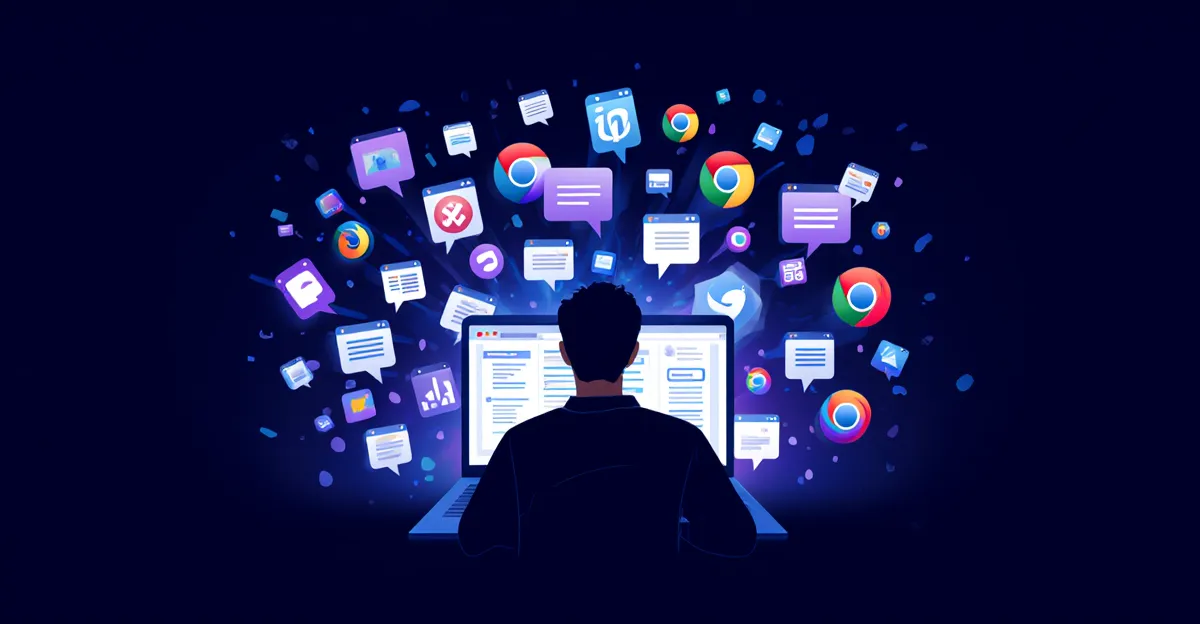
The Hidden Cost of Always-On Writing
Modern writing apps are built for the cloud era. That’s genuinely useful for collaboration — but collaboration mode and deep writing mode are neurologically incompatible.
When you’re connected, your brain stays in a low-grade state of alertness. It’s scanning for incoming signals: notifications, comments, sync indicators, the subtle pull of knowing you could switch tabs at any moment.
This isn’t laziness. This is your brain doing exactly what it evolved to do — stay vigilant to social signals. The problem is that evolution didn’t account for Google Docs.
“Every time you switch a tab or check a notification, you pay an attention tax. The real cost isn’t the 30 seconds you spent — it’s the 20 minutes it takes to get back into flow.”
Even the possibility of distraction changes how we write. We produce shorter sentences. We self-edit more. We reach for safe, serviceable words instead of the right ones. The creative risk-taking that makes writing worth reading quietly evaporates.
What Actually Happens When You Write Offline
The offline writing experience isn’t just “fewer distractions.” It rewires the entire session.
Without the internet, there’s nowhere to go. The escape hatch disappears. What you’re left with is you, the blank page, and the uncomfortable beauty of having to sit with a half-formed thought until it becomes something.
Writers who make this shift consistently report three things:
- Faster drafting. Without the option to “quickly look something up,” they keep writing and mark gaps to fill later.
- Less self-editing. The internal critic quiets when there’s no audience — no share button, no live collaborators watching, no view counts.
- Longer sessions. Flow states develop and last longer when there’s no exit ramp.
The Writers Who Already Figured This Out
This isn’t a new idea. Cormac McCarthy wrote on a typewriter for decades. George R.R. Martin still writes on an old DOS machine running WordStar — deliberately isolated from the internet. Neil Gaiman keeps a notebook for first drafts.
What these writers intuitively understood — and what cognitive science now confirms — is that creative work requires a different brain state than communication work. You can’t receive and generate simultaneously. Not deeply.
What’s changed in 2026 is that going offline on a modern device is genuinely powerful, not primitive. Dedicated offline document editors on Android now handle everything: rich text formatting, document folders, PDF export, .docx compatibility — all without an account, without cloud sync, without collecting a byte of your data.
For writers who’ve spent years feeding their creative output into cloud systems they don’t fully trust, that’s a meaningful shift. Offline-first writing tools for Android like Wordpad Plus take this philosophy seriously — your documents stay on your device, period.
Offline vs. Cloud: What You Actually Give Up (And Gain)
| Factor | Cloud Writing App | Offline Writing App |
|---|---|---|
| Focus quality | Fragmented (constant connectivity) | Deep (no exit ramp) |
| Data privacy | Stored on third-party servers | 100% on your device |
| Works without internet | Partially (sync issues) | Always — by design |
| Real-time collaboration | Native | Export and share manually |
| Distraction risk | High | Low |
| Account required | Usually yes | No |
The trade-off is real: you lose real-time collaboration and automatic backups. For solo writers — novelists, students, journalers, essayists — those features usually aren’t the bottleneck anyway. And what you gain in focus is worth far more than the features you rarely needed.
Building an Offline Writing Workflow on Android
Going offline doesn’t mean going backwards. Here’s a practical system that works:
- Draft offline, always. First drafts are sacred. Write them with no pressure to be seen or approved.
- Organize by project. Use folders to separate novels, essays, and work documents. A good offline editor handles this natively without a subscription.
- Export when ready. Once a draft is done, export to .docx or PDF for sharing, editing with collaborators, or submission.
- Back up on your terms. Export documents periodically to a folder that syncs to the cloud. You stay offline while writing; you back up when you choose to.
- Research separately. Do all your research in a connected browser session, take notes, then close it and write offline from those notes.
A cleaner way to write on Android
If you’ve been looking for a distraction-free document editor for Android that works without an account or internet connection, Wordpad Plus handles it well. Rich text formatting, PDF export, .docx import, folder organization, PIN lock, and dark mode — all offline, all on your device, zero data collected.
Why Your Writing Voice Gets Stronger Offline
There’s a myth that the best ideas come from being connected — from quick research, from reference material at your fingertips. And for some phases of writing, that’s true.
But first drafts aren’t a research phase. They’re a thinking phase.
Writer Anne Lamott famously advocates for “shitty first drafts” — the idea that you can’t edit a blank page, and the goal of a first draft is simply to exist. Connectivity quietly undermines this because it makes the blank page feel optional. You can always look something up instead of thinking through it.
Going offline forces a different relationship with uncertainty. You write your best approximation of a fact, mark it for research later, and keep moving. This often produces better writing — more voice, more commitment, less hedging. The writing that sounds like you rather than a collection of references.
Frequently Asked Questions
Is offline writing actually better for creativity?
Research on flow states (Csikszentmihalyi’s work on optimal experience) consistently shows deep creative work requires uninterrupted focus. Offline environments remove the structural interruptions that prevent flow from developing. Many writers report dramatically longer productive sessions when disconnected — not because they tried harder, but because the design of the environment changed.
What if I need to research while writing?
Use a two-phase approach: research first (online), take notes in a separate file, then write offline from your notes. Alternatively, use the placeholder technique — mark unknowns like [CHECK THIS] as you draft, and fill them in a dedicated editing pass later. This actually speeds up drafting significantly.
Do offline writing apps on Android support real formatting?
Modern offline editors fully support rich text: bold, italic, headings, lists, tables, and more. You can import .docx files for editing and export finished documents to PDF or Word format — no internet required for any of it. The feature gap with cloud editors has essentially closed for solo writing work.
How do I back up documents if I write offline?
Export your documents to a local folder periodically, then let a cloud sync app handle backup on your schedule. This keeps the writing environment clean while giving you recovery options. The key is separating the writing session (offline, focused) from the archiving step (your choice, on your terms).
Is my data private if I use an offline writing app?
If the app is truly offline-first with no account requirement, your data never leaves the device unless you export it yourself. That’s a fundamentally different privacy model from cloud editors, where your documents — including unfinished drafts — live on third-party servers and are subject to those platforms’ data policies.