 Pocket Tables – Personal Database
Pocket Tables template
Manual Subscription Tracker for iPhone
See subscriptions your way.
Keep a simple record of every recurring subscription in one place. Track prices, billing cycles, free-trial end dates, and the next renewal date with a flexible template for iPhone.
Manual trackingFlexible fieldsReview by category
See it in action
Everything in one clear table.
Add a subscription, keep its details handy, then review recurring costs when it is useful to you.
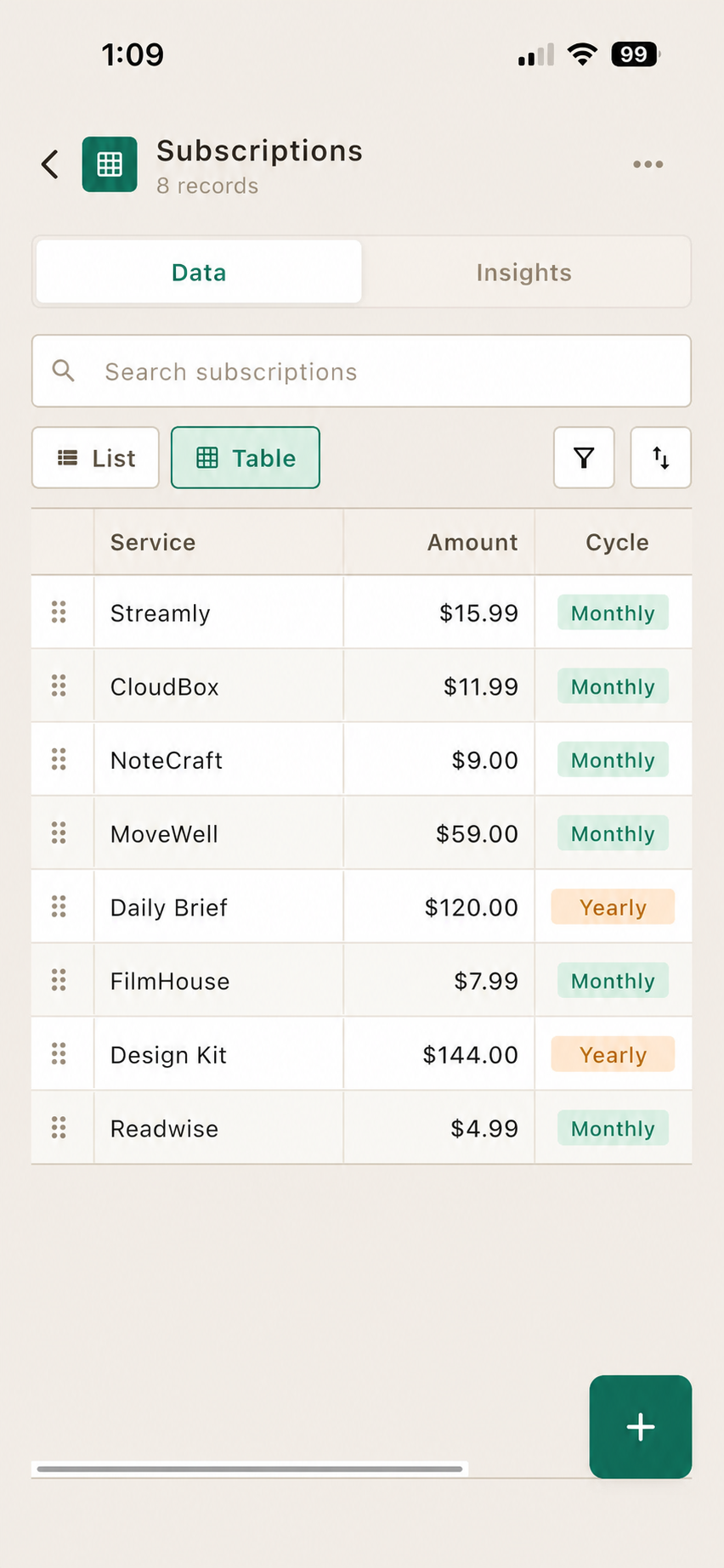
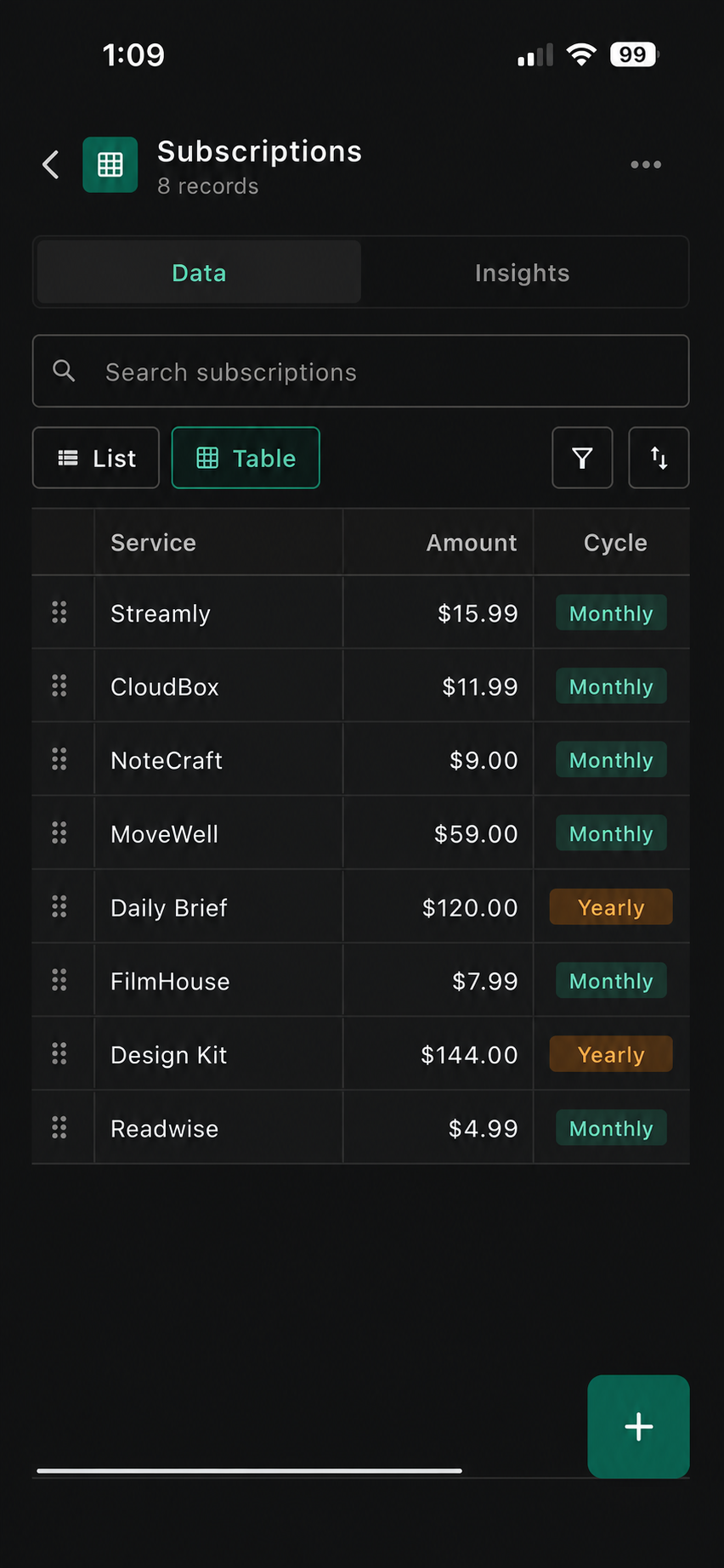

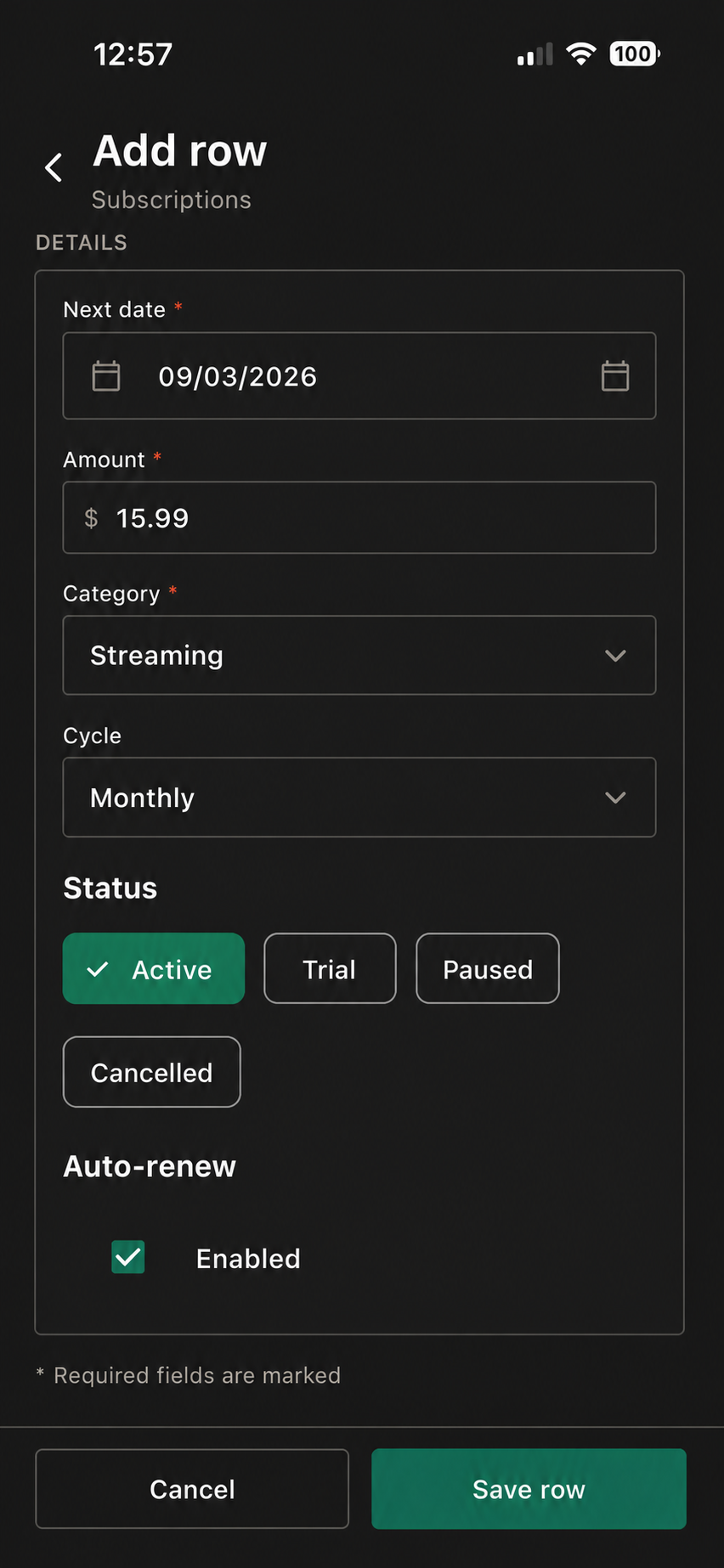

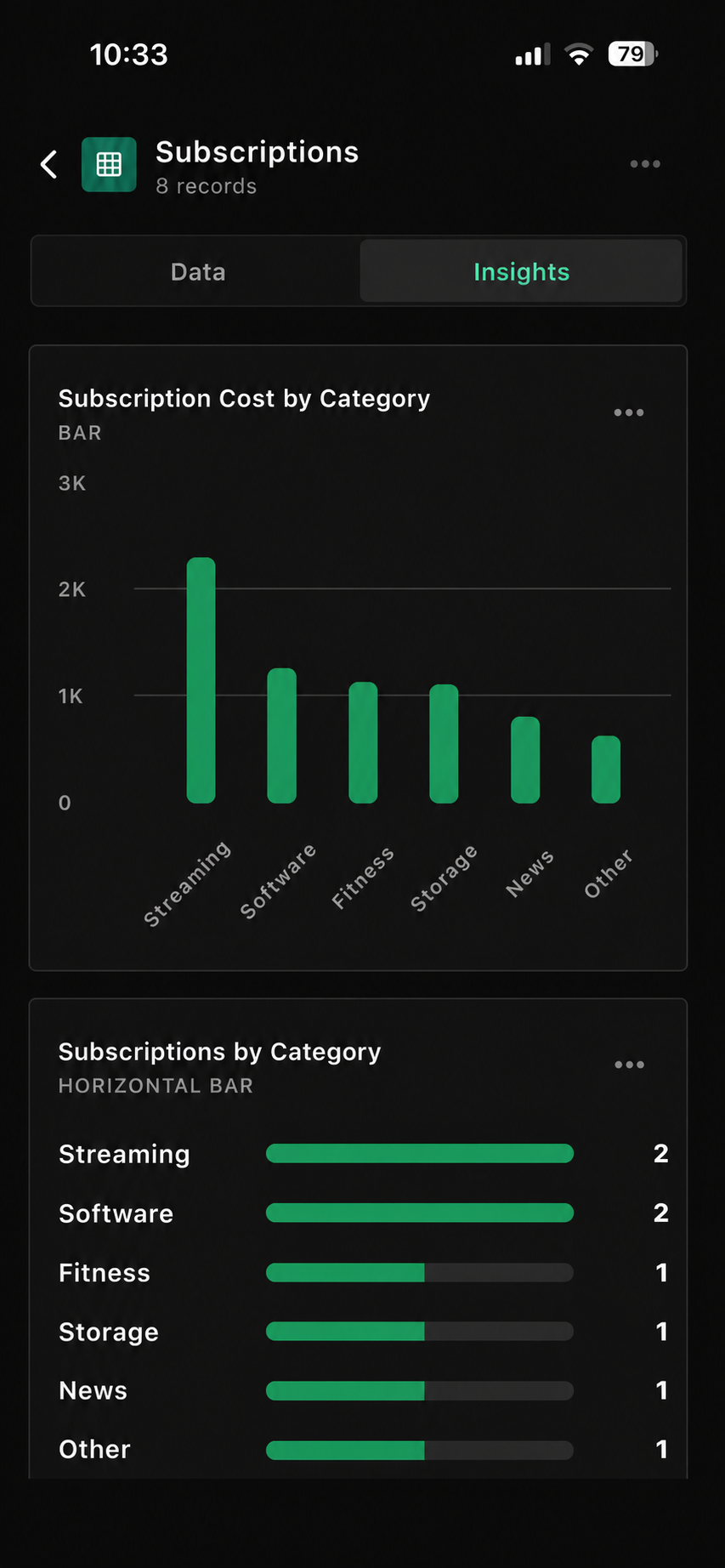
Sample subscription table
See the tracker at a glance.
Use your own currency, categories, billing cycles, and fields.
| Service | Amount | Cycle | Next date | Category | Status |
|---|---|---|---|---|---|
| Netflix | $15.49 | Monthly | 12 Sep 2026 | Streaming | Active |
| iCloud+ | $2.99 | Monthly | 18 Sep 2026 | Storage | Active |
| Domain renewal | $18.00 | Yearly | 04 Jan 2027 | Work | Active |
| Fitness app | $59.99 | Yearly | 29 Sep 2026 | Health | Trial |
Suggested fields
Start with these columns.
Use only the fields that help you make a clearer record.
Three quick steps
Set it up your way.
Open the template
Start with the Subscription Tracker inside Pocket Tables.
Add services manually
Enter amount, cycle, next date, category, and status.
Review when useful
Filter or sort whenever you want a clearer view.
Make it yours
Add the details you’ll actually use.
Keep the essentials visible first. Add an extra field only when it makes your subscription list easier to use.
Trial endKeep a free-trial date handy.
Cancel linkSave the page you may need later.
HouseholdNote who uses the subscription.
Annual costCompare plans on one simple basis.
Price notesRecord changes, plan details, or anything worth remembering.
Questions
Good to know before you start.
Pocket Tables keeps the tracker flexible and manual, so you stay in control of the records.
Does Pocket Tables automatically find subscriptions?
No. This is a manual tracker: you add and update services and dates yourself.
Can I track annual and monthly plans together?
Yes. Use the Cycle dropdown for monthly, yearly, quarterly, or custom billing cycles.
Can I track free trials?
Yes. Add a free-trial end date field if that is useful for your own record.
Can I compare recurring costs by category?
Yes. Categorize every record, then filter and review entries inside Pocket Tables.
Keep exploring
Pocket Tables
Start with the subscription tracker.
Download Pocket Tables, then open the template inside the app and adjust it for the way you keep records.
