 Pocket Tables – Personal Database
Pocket Tables template
Simple Client Tracker for iPhone
Keep every client detail in one flexible table.
Use a simple client tracker for iPhone to keep client names, email addresses, status, last calls, and notes together without CRM clutter.
Manual trackingFlexible fieldsReview by status
See it in action
Everything in one clear table.
Add a client, keep their details and status in one row, then see at a glance who needs chasing.
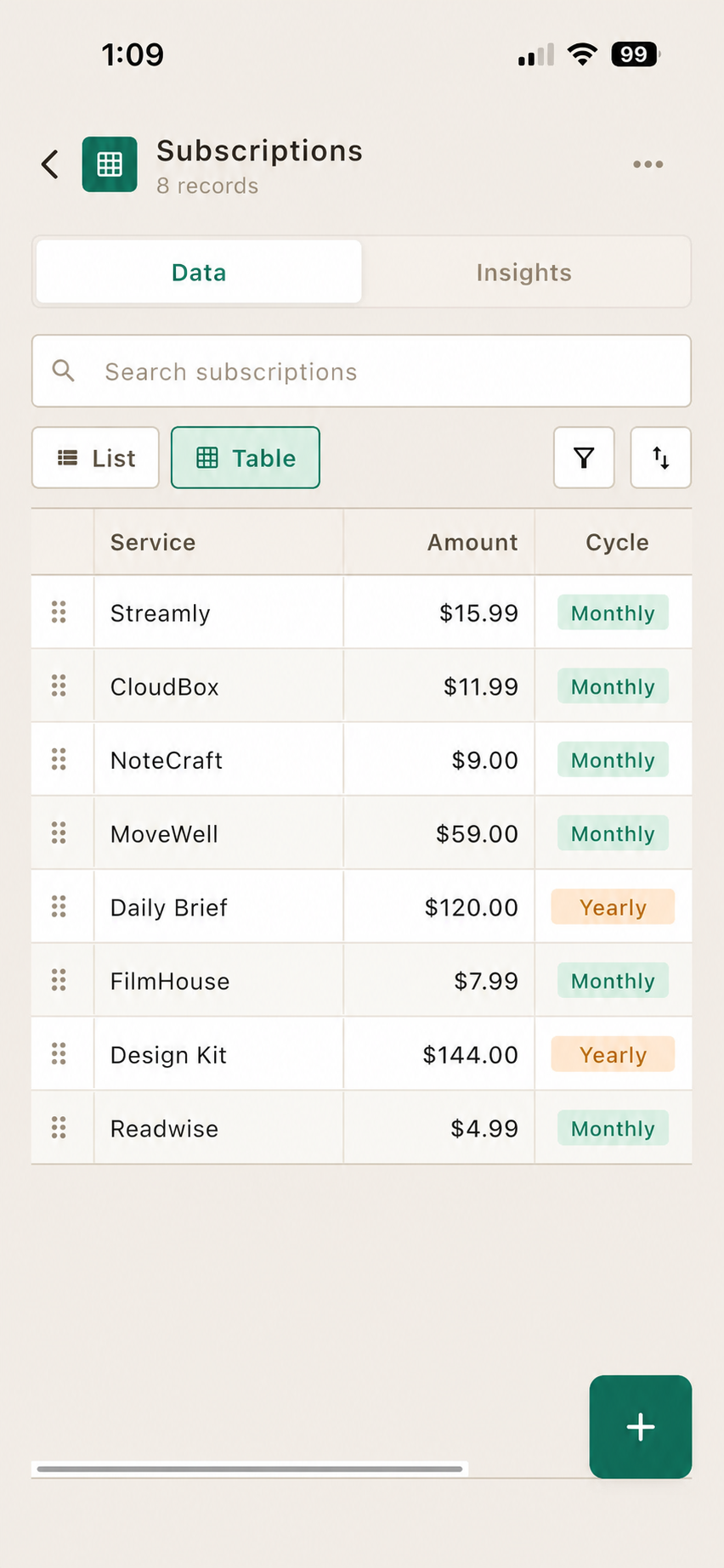
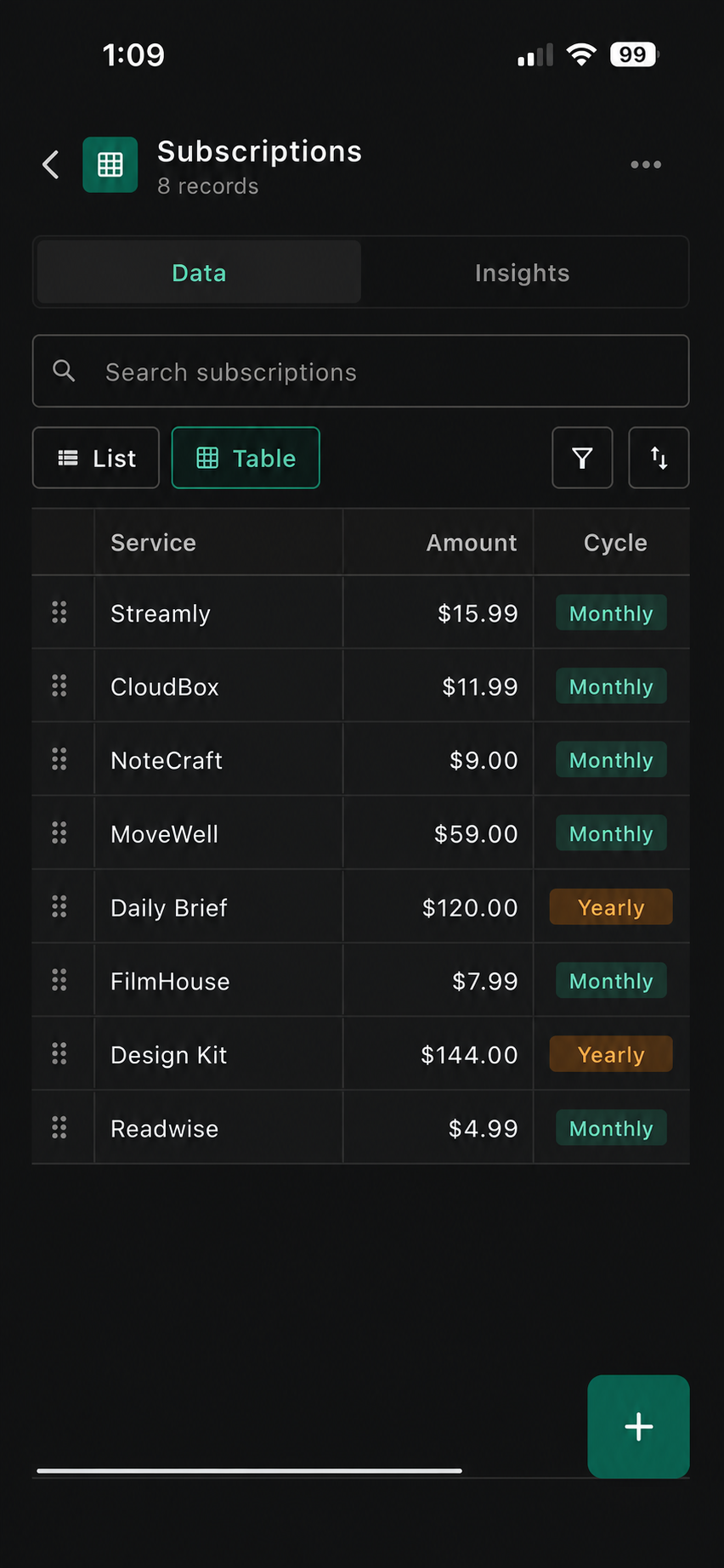

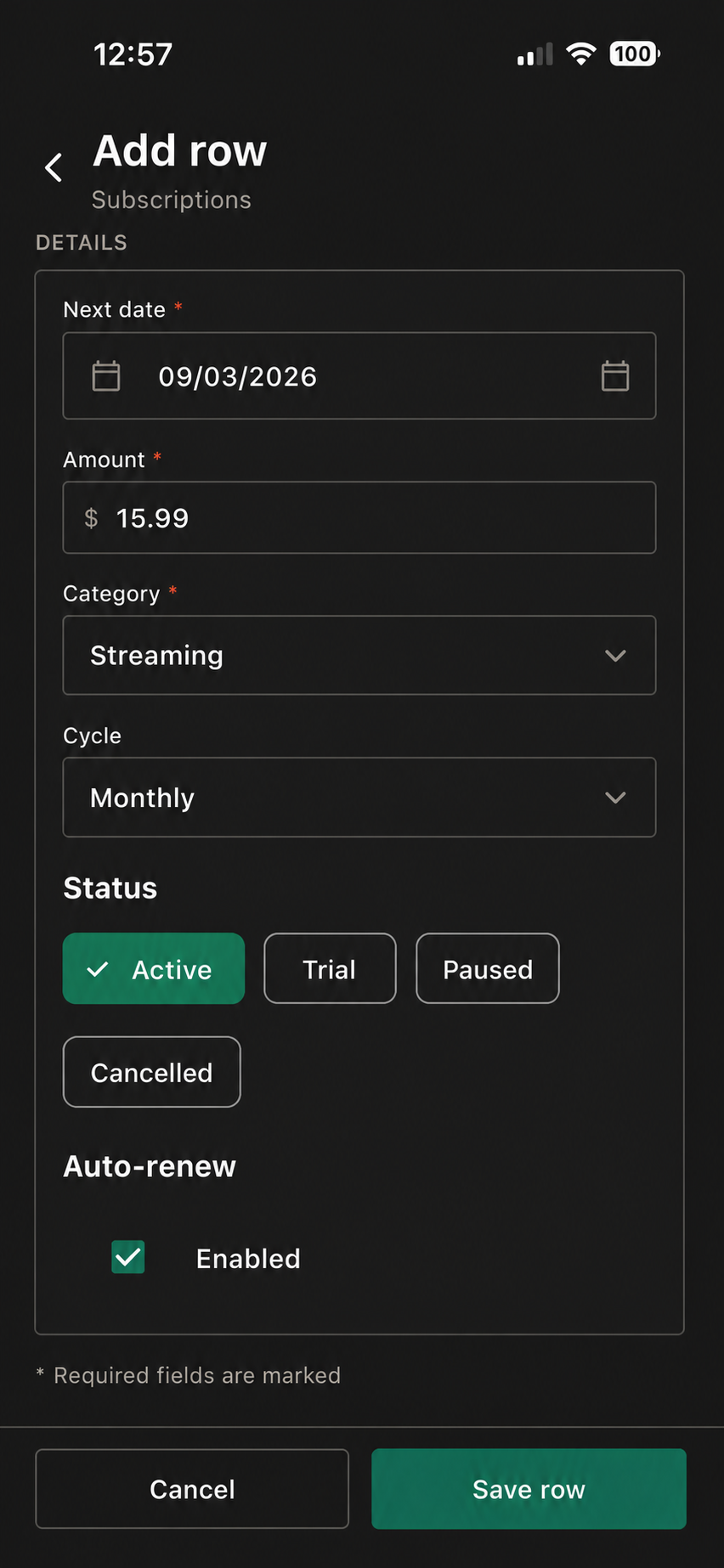

Sample client tracker
See the tracker at a glance.
Use your own stages, service types, contact fields, and notes.
| Client Name | Status | Last Call | Notes | Detail | |
|---|---|---|---|---|---|
| Maya Chen | maya@northstudio.co | Proposal sent | 28 Aug 2026 | Brand strategy | New lead |
| Jon Bell | jon@bellandco.com | Active client | 26 Aug 2026 | Website refresh | In progress |
| Sarah Omar | sarah@northline.io | Follow up | 21 Aug 2026 | Discovery call | Next week |
| Daniel Reed | daniel@reedworks.com | Lead | 19 Aug 2026 | Referral introduction | New |
Suggested fields
Start with these columns.
Use only the fields that help you make a clearer record.
Three quick steps
Set it up your way.
Open Client CRM
Start with the template inside Pocket Tables.
Choose your stages
Use status labels that match your way of working.
Keep short notes
Add a quick update after a call or key message.
Make it yours
Add the details you’ll actually use.
Keep the essentials visible first. Add an extra field only when it makes this tracker easier to use.
Company nameKeep the business alongside the person.
Service typeNote the work they need.
Next actionKeep a small follow-up prompt.
Estimated valueAdd a useful project reference.
Contact preferenceRemember how they prefer to talk.
Questions
Good to know before you start.
Pocket Tables keeps the tracker flexible and manual, so you stay in control of the records.
What is a simple client tracker?
It is a flexible table for client names, contact details, status, and the context you want to remember.
Does Pocket Tables send follow-up reminders?
No. The tracker is manual: you add and review the records and dates yourself.
Can I track prospects and active clients together?
Yes. Use Status to distinguish leads, active clients, completed work, or your own stages.
Can I add more client fields?
Yes. Add fields such as company, service, next action, or preferred contact method.
Keep exploring
Pocket Tables
Start with the simple client tracker.
Download Pocket Tables, then open the template inside the app and adjust it for the way you keep records.
