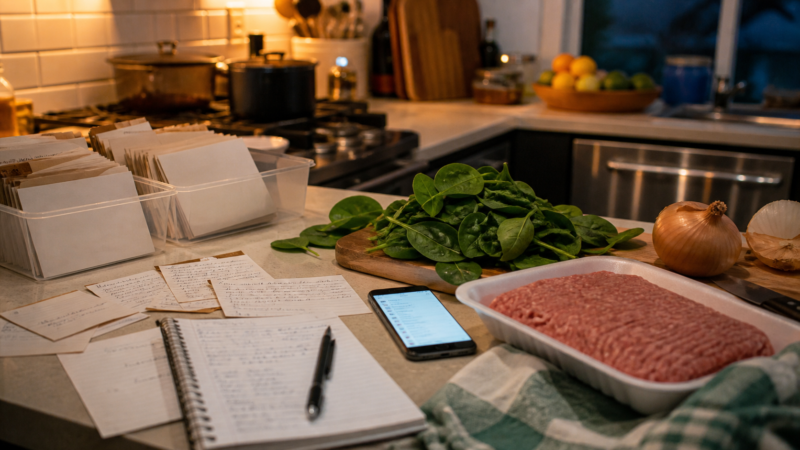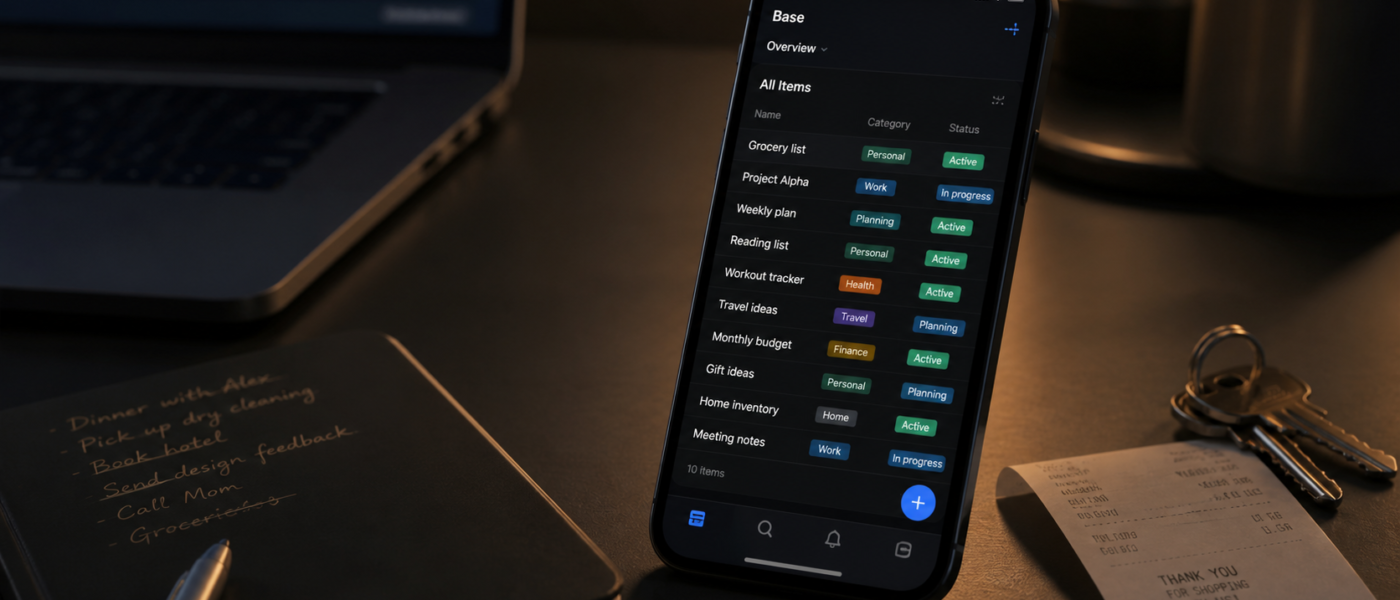
You know the feeling: one note has your grocery list, another has trip ideas, a spreadsheet has expenses, screenshots hold things you meant to compare, and somewhere in your camera roll is the receipt you needed yesterday.
That is why the idea of a personal database app for iPhone is becoming more useful than another blank note or another spreadsheet. Not because everyone needs a complex system, but because many people need a softer one: structured enough to trust, flexible enough to change, and simple enough to use while standing in a store aisle.
Why Spreadsheets Start Strong But Get Heavy
Spreadsheets are brilliant. They are open-ended, familiar, and powerful. Google’s own documentation highlights spreadsheets for creating, editing, importing, exporting, and organizing tabular information on iPhone and iPad. For budgets, planning, and lists, that flexibility is real.
But the strength of a spreadsheet is also its trap. A spreadsheet will let you build anything, including a system that becomes too fragile to use casually.
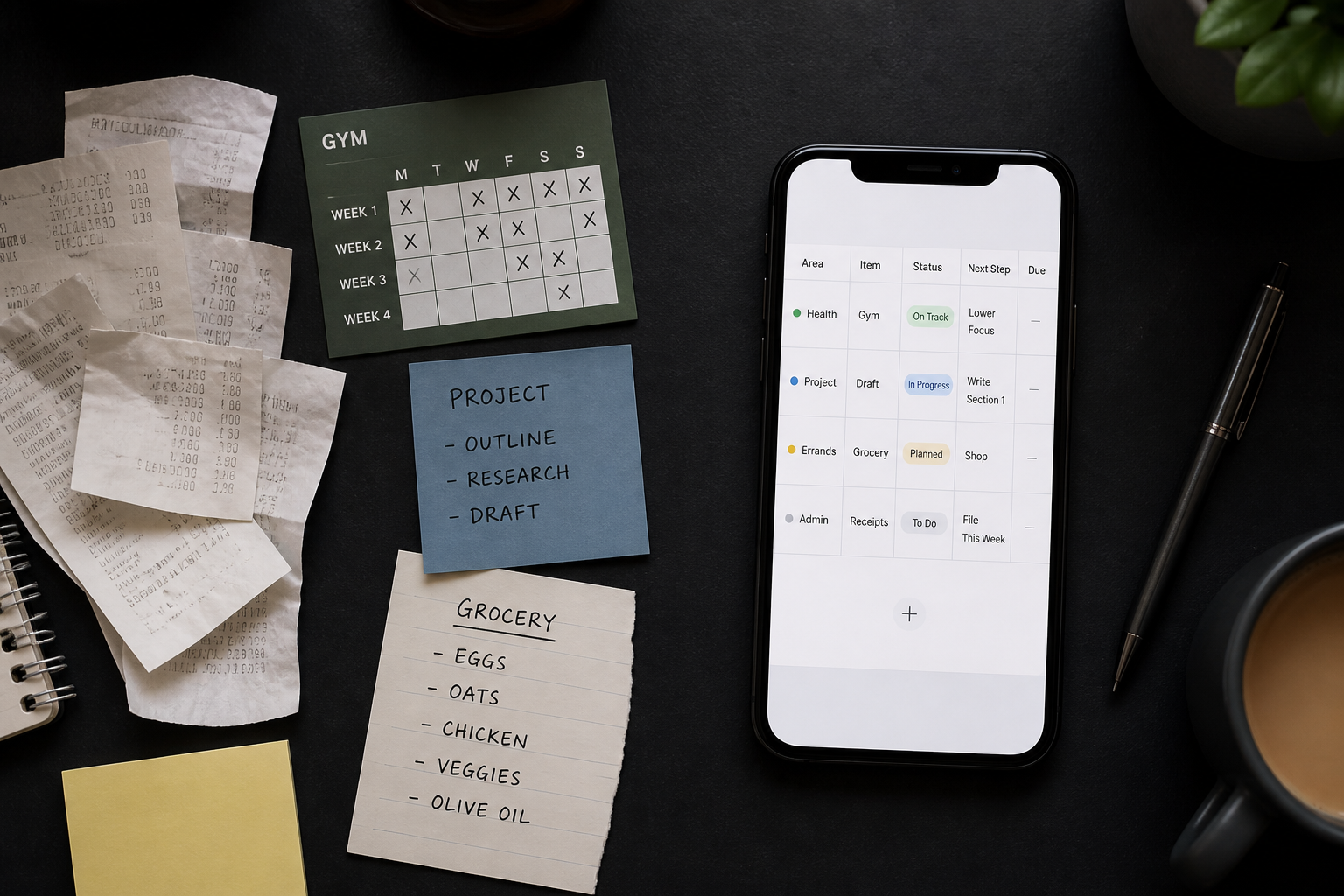
Most personal tracking fails because life data is inconsistent: expenses need receipts, projects need next actions, collections need photos, and habits need context.
When every cell can be anything, the system slowly loses meaning. One row says “done,” another says “complete,” another says “finished,” and suddenly filtering is less useful than memory.
“The best personal system is not the one with the most options. It is the one you still understand when you are tired.”

What Makes a Personal Database Different?
A personal database is still built from rows and fields, but the mental model is different. Instead of treating everything as a cell, it treats each item as a record.
That small shift matters. A record can have a type, a status, a date, a note, a tag, an attachment, or a template. It feels less like maintaining a grid and more like keeping a small private catalog of your life.
| Use case | Spreadsheet habit | Personal database habit |
|---|---|---|
| Expenses | Type rows manually | Use categories, dates, notes, and repeatable fields |
| Projects | Keep one long sheet | Track status, owner, next step, and references |
| Collections | Add columns as needs appear | Create a consistent tracker with photos and attributes |
| Habits | Mark dates in a grid | Log patterns, notes, and review signals |
This is why tools like Airtable frame databases as useful when information becomes more structured than a normal sheet. For personal use, the same idea applies at a smaller scale: a calmer place for the moving parts of ordinary life.
The Real Search Intent: “I Want To Track Anything Without Building Software”
People searching for a custom tracker app, mobile spreadsheet app, or database app for iPhone are usually not trying to become database administrators. They want a place for expenses, collections, projects, habits, subscriptions, wish lists, and the strange personal lists normal apps never quite fit.
That last part is underrated. Real life does not arrive in app categories. It arrives as “things to compare before buying,” “recipes that worked,” and “stuff I lent to friends.”
A Simple Framework: Capture, Categorize, Review, Adjust
The psychology behind this is not just aesthetic. Research on cognitive offloading shows that people use external tools to reduce mental demand, especially when they do not trust memory to hold everything reliably. That is normal. Your phone is already part of your memory system. The question is whether it is helping or scattering that memory across too many places.
For personal tracking, the healthiest system is usually small and repeatable:
- Capture: Add the item quickly, even if it is incomplete.
- Categorize: Give it one useful label, not ten decorative ones.
- Review: Look for patterns weekly or monthly.
- Adjust: Remove fields you never use and add fields only when they change decisions.
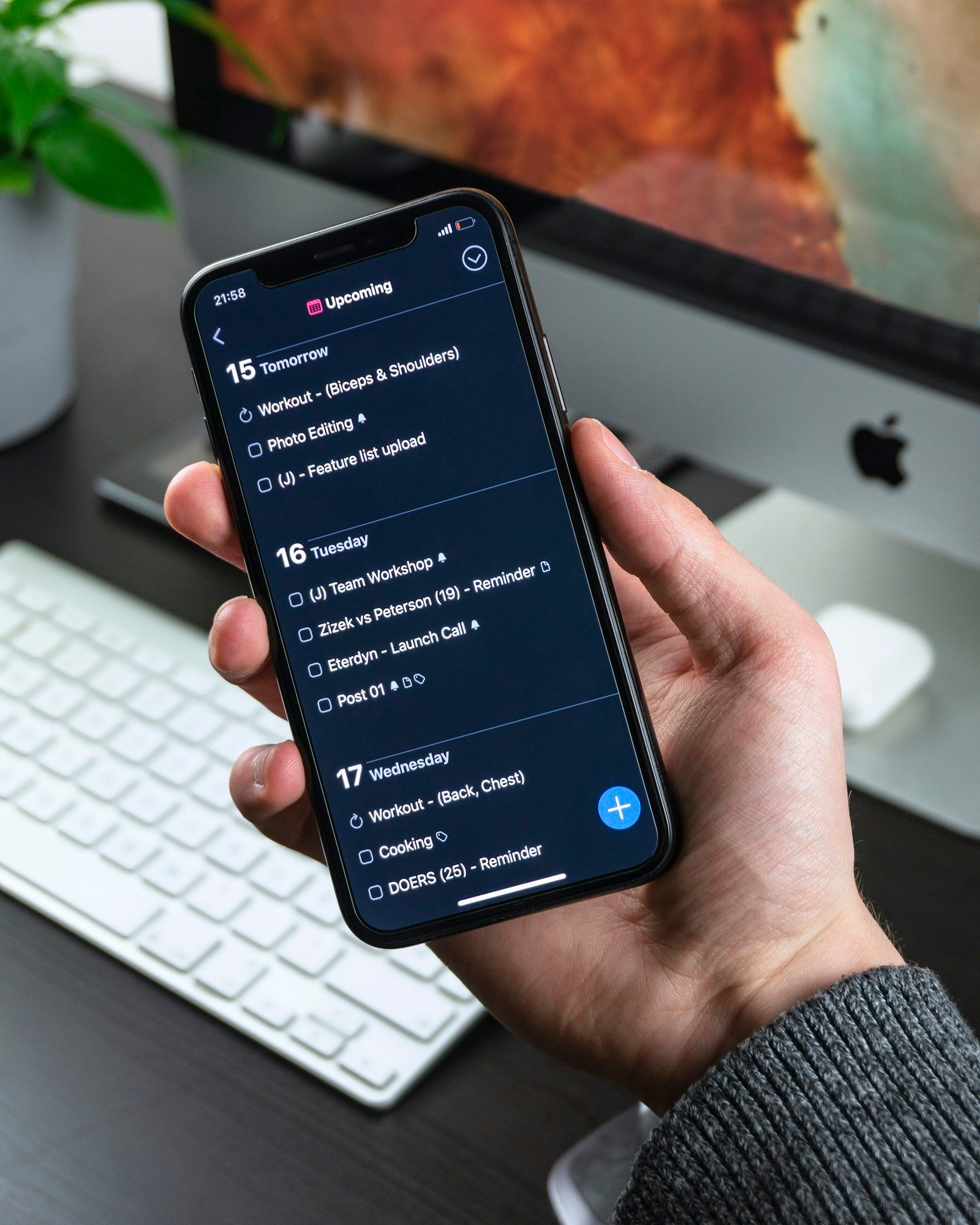
This is where an iPhone-native personal database app can feel more natural than a spreadsheet. Pocket Tables, for example, is designed around custom tables and templates for everyday trackers: expenses, projects, habits, collections, inventory, and personal lists. The value is not that it replaces every spreadsheet. The value is that it gives casual tracking a better home.
When To Use a Personal Database Instead of a Spreadsheet
Use a spreadsheet when you need heavy formulas, complex financial modeling, pivot tables, or shared reporting. Those are spreadsheet strengths.
Good candidates include:
- Expense tracking: especially when you care about notes, categories, recurring costs, and receipts.
- Inventory tracking: useful for home items, supplies, camera gear, books, or collectibles.
- Project tracking: helpful when status and next action matter more than formulas.
- Habit tracking: better when you want context, not just streak pressure.
- Collection tracking: ideal when items have photos, condition, location, or purchase details.
A simpler way to track everyday systems
If you want something more structured than notes but less heavy than a spreadsheet, Pocket Tables for iPhone is built around custom tables you can shape around expenses, projects, habits, collections, and the odd personal lists normal apps never quite fit.
The “This Is So True” Test for Any Tracker
Here is the simplest test: when you open your tracker after two weeks away, do you know what to do next?
If the answer is no, the system is too clever. It may look impressive, but it is asking you to remember the rules of the system before you can use the system.
A good table tracker should make the next action obvious:
- What is this item?
- What category does it belong to?
- What is its current status?
- When should I look at it again?
- What decision does this help me make?
That is enough. You need a few trustworthy tables that can survive a busy week.
How To Start Without Overbuilding
The mistake is starting with the perfect structure. That creates a weird kind of productivity theatre: you spend more time designing the tracker than using it.
Start with one table and one purpose.
1. Pick a high-friction category
Choose something you already lose track of: subscriptions, purchases, reading ideas, study topics, meals, or repair tasks.
2. Use five fields maximum
A strong starter table usually needs a name, category, status, date, and notes field. Add more only after you feel the missing field during real use.
3. Review once a week
Tracking without review becomes digital hoarding. A five-minute weekly review is where the system starts working.
4. Delete fields aggressively
If a field does not change a decision, it is decoration. Remove it. The goal is clarity, not completeness.
Apps like Pocket Tables work best when you treat templates as a starting point, not a permanent contract. Start from a ready-made tracker, then reshape it once your real pattern becomes obvious.
Final Thought: Your Life Data Deserves a Place
There is a confidence that comes from knowing where things live. Not every thought needs a task, every expense needs a dashboard, or every collection needs a complex database.
A personal database app for iPhone sits in the useful middle: more organized than notes, more personal than a spreadsheet, and more flexible than single-purpose trackers.
How the Main Options Compare
Search for a personal database app and you get a mix of things that are not really the same category. It helps to know which is which before you install anything.
Memento Database is the most capable of the mainstream options. It runs on Android, iOS, Windows, macOS and Linux, the mobile versions work fully offline and sync when they reconnect, and the free tier covers unlimited local libraries on mobile plus a small amount of cloud storage. Its paid plan adds automation rules, scripts, charts and advanced search. If you want one tool that scales from a book list to something close to a small application, this is the one to look at first — and it is more app than most people need.
Baserow and tools like it are open-source, web-based database platforms you can self-host. They are excellent, and they are built for teams and browsers rather than for a phone in a shop aisle. If you are comfortable running your own instance, that is a genuinely different and more powerful path.
Single-purpose App Store trackers — collection managers, inventory apps, catalogue apps — do one job and do it well. If everything you want to track is books, or wine, or camera gear, a dedicated app will usually beat a general one, because someone has already made the field choices for you.
Pocket Tables is ours, so read this with that in mind. It sits deliberately at the small end: custom tables on iPhone, built from templates, with your own fields per table, no account and nothing to configure before you can use it. That narrowness is the point and also the limit — there is no team access, no automation, no API, and no Android version. If you want a system that grows into something powerful, Memento or a self-hosted tool will serve you better. If you want the tracking equivalent of a notebook you actually keep using, it is built for that.
FAQ
What is a personal database app?
A personal database app helps you store everyday information as structured records, usually with fields like category, date, status, notes, attachments, or tags. It is useful for trackers, collections, projects, expenses, and personal lists.
Is a personal database better than a spreadsheet?
It depends on the job. Spreadsheets are better for formulas and analysis. Personal databases are often better for structured life tracking, where each item needs fields, categories, status, notes, or attachments.
What can I track with a database app for iPhone?
You can track expenses, inventory, books, projects, habits, collections, subscriptions, wish lists, study topics, recipes, home repairs, and almost any recurring personal information.
How should I start building a custom tracker?
Start with one table, one use case, and five fields or fewer. Add complexity only when you repeatedly need it. A simple tracker you review weekly is more useful than a perfect tracker you avoid.
Does Pocket Tables replace spreadsheet apps?
No. It is better to think of Pocket Tables as a personal tracking tool for structured everyday records. Use spreadsheets for calculation-heavy work, and use Pocket Tables when you want flexible tables for personal organization on iPhone.