

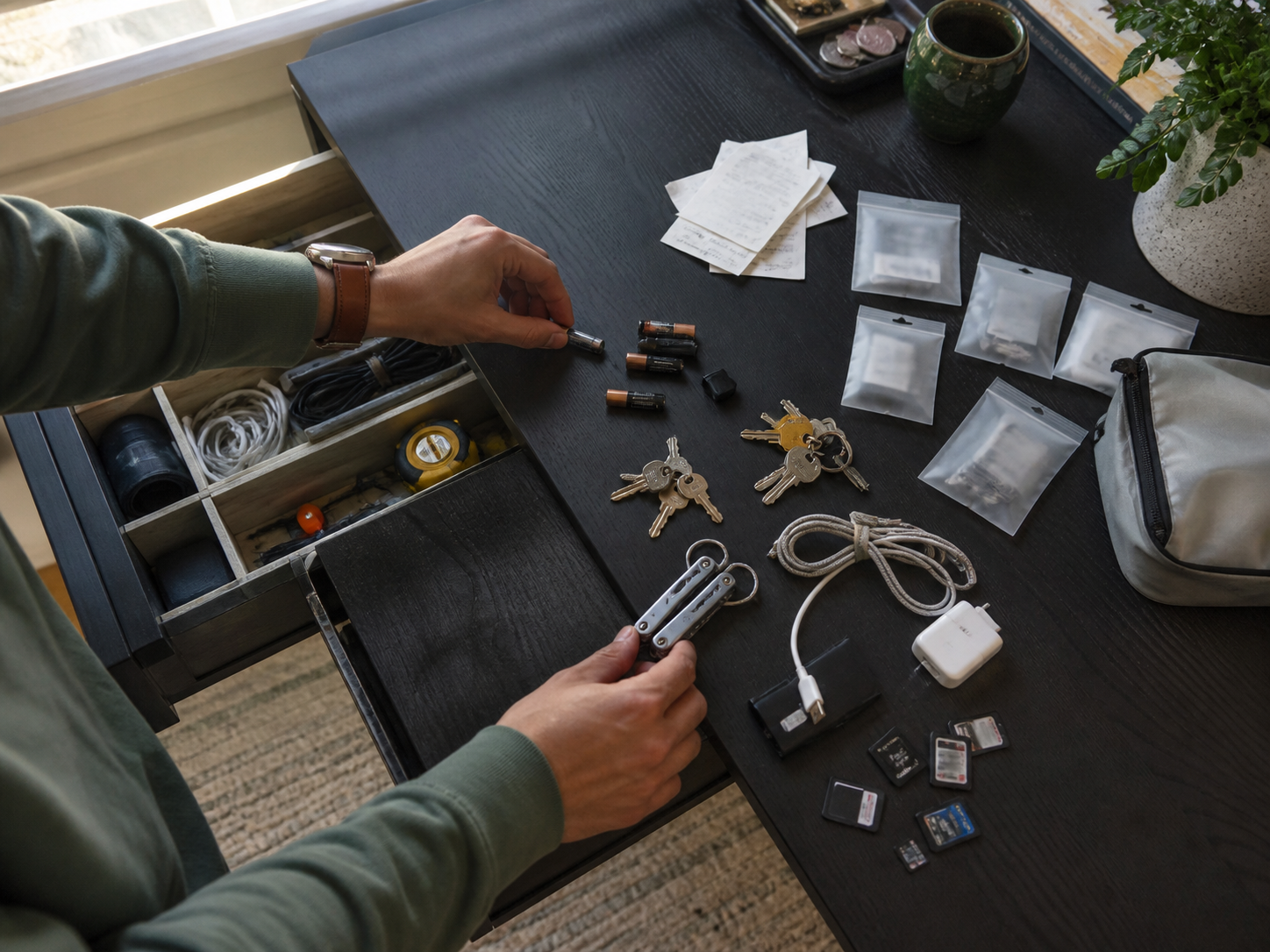
Most people do not feel disorganized because they own too many things. They feel disorganized because they have to remember too many things.
The spare charging cable is “probably in the drawer.” The camera battery is “somewhere in the black pouch.” None of these moments feels dramatic, but together they become a background task: your brain keeps carrying a map of your stuff.
That is why an inventory tracker app for iPhone can be more useful than another note titled “Things I own.” A good tracker turns possessions into searchable, structured information. Not in a obsessive way. In a calm, practical way that helps you find, maintain, lend, insure, sell, replace, or simply stop rebuying what you already have.
Why Your Brain Is Bad at Tracking Things You Own
Human memory is excellent at meaning, emotion, and pattern recognition. It is much less reliable at boring practical metadata: purchase dates, storage locations, model numbers, quantities, serial details, who borrowed what, and whether you already bought replacement batteries.
That mismatch creates a familiar problem. You may know you own something, but not know enough to act on it quickly.
- You know you bought a spare adapter, but not where it is.
- You remember lending a book, but not to whom.
- You own a tool, but cannot remember its size or compatible part.
- You saved a receipt, but cannot find it when warranty time arrives.
- You keep buying duplicates because checking takes too much effort.
Personal informatics research often frames tracking as a loop: collect, organize, reflect, and act. A messy note captures the moment. A structured tracker supports the future action.
“The real burden is not clutter itself. It is the tiny decision tax you pay every time you need something and cannot trust your system.”
What an Inventory Tracker App Actually Solves
A home inventory app or custom list app is not just a prettier spreadsheet. The useful version answers practical questions quickly:
- Where is it? Drawer, shelf, box, room, bag, or office.
- What is it? Name, category, photo, notes, condition.
- What matters later? price, warranty date, serial number, size, refill type, replacement link.
- What should happen next? return, repair, donate, restock, sell, lend, review.
That is where a flexible personal database becomes useful. Apps like Pocket Tables for iPhone let you create custom tables for the kind of life you actually have: camera gear, pantry items, book collections, subscriptions, project materials, repair parts, wardrobe pieces, travel packing lists, or home office equipment.
The Best Things to Track First
The mistake is trying to catalog everything on day one. Start with the categories where forgotten information already costs time, money, or stress: tech gear, books, household supplies, documents, receipts, repair parts, or hobby collections.
A Simple 5-Column Framework for Any Personal Inventory
You do not need a complicated template. For most personal inventory tracking, five columns are enough:
- Item: the plain name you would search later.
- Category: tech, kitchen, books, clothes, documents, gear, supplies.
- Location: the exact place, not just the room.
- Status: active, stored, borrowed, needs repair, replace soon, donate.
- Notes: model number, size, receipt location, compatible part, or context.
This structure works because it respects how people search. You rarely think, “Show me asset ID 4301.” You think, “Where is that USB-C adapter?”
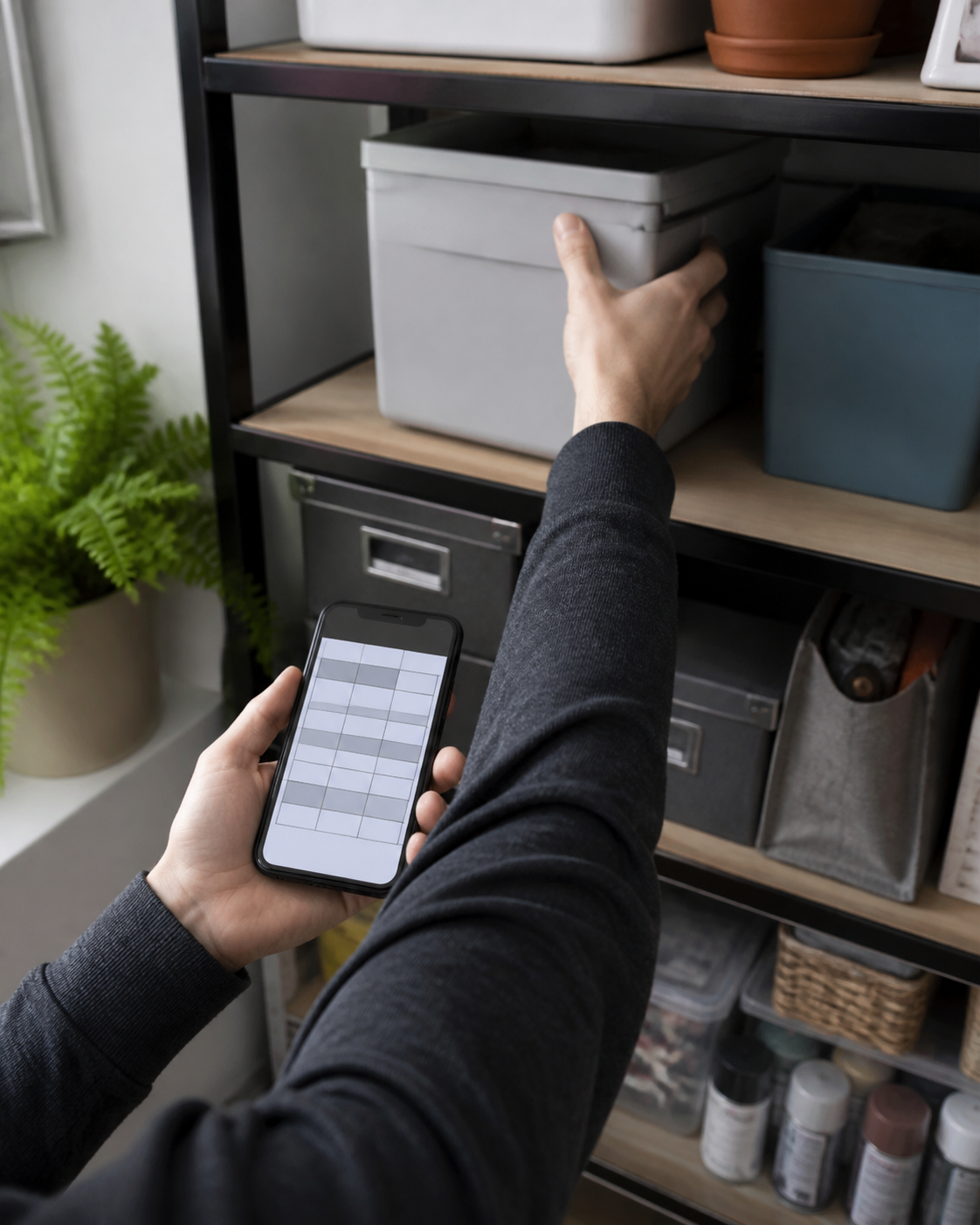
A custom tracker app becomes powerful when the table matches your retrieval habits. If you search by room, make location specific. If you search by project, add a project field. If you lend things often, add a borrower field. The right system feels obvious because it uses your own language.
How to Avoid Turning Tracking Into Another Chore
The most sustainable inventory system is the one that asks for the least precision needed to be useful. Perfection is where trackers go to die.
- Track the next useful detail, not every possible detail. If warranty dates matter for electronics, add them. If they do not matter for notebooks, skip them.
- Use rough categories. “Cables” is better than a taxonomy you will abandon.
- Add items during real moments. When you buy, store, lend, repair, or search for something, update the tracker.
- Delete fields that make you hesitate. A field nobody fills is not structure. It is friction.
This is the “this is so true” part: most people do not quit systems because they are lazy. They quit because the system starts demanding more care than the problem it was supposed to solve.
A simpler way to track what you own
If you want an iPhone system that can adapt to your life instead of forcing every list into the same shape, Pocket Tables is built around custom tables for expenses, habits, collections, projects, inventories, and everyday trackers.
The Difference Between Notes, Spreadsheets, and Trackers
Notes are good for thoughts. Spreadsheets are good for calculation. Custom trackers are good for repeatable personal records.
| Tool | Best For | Where It Breaks |
|---|---|---|
| Notes app | quick capture | hard to filter, sort, and maintain |
| Spreadsheet | math-heavy data | can feel awkward on a phone |
| Custom tracker | inventories, collections, lists, personal records | needs clear categories to stay useful |
When Inventory Tracking Becomes Emotional
Objects are rarely just objects. They carry plans, guilt, identity, money, memories, unfinished projects, and “I might need this someday” energy. That is why organizing possessions can feel strangely personal.
Mayo Clinic psychologists have noted that the brain likes organization because it can reduce stress. Attention research also suggests that visually cluttered scenes force the brain to select what matters from too many competing signals.
An inventory tracker will not fix emotional attachment, but it can create a gentler middle step. Before deciding whether to keep, sell, donate, repair, or store something, you can at least make it visible.

A Tiny Setup Plan You Can Finish Today
Here is a practical way to start without turning your weekend into an audit:
- Pick one category. Choose the one that already annoys you: cables, tools, books, pantry items, receipts, skincare, camera gear, travel items.
- Create five columns. Item, category, location, status, notes.
- Add only 15 items. Stop before it becomes boring.
- Use searchable names. Write what future-you would type.
- Add one maintenance habit. Update the table only when something moves, gets used, gets borrowed, or gets replaced.
The magic is proving that the system is light enough to use again. Once that happens, your tracker can expand naturally into a home inventory, collection tracker, maintenance log, packing checklist, or whatever your life keeps asking you to remember.
Mini Conclusion: Make Your Stuff Searchable
The most useful personal systems are not the ones that look impressive in screenshots. They are the ones that remove a recurring irritation from real life.
If you lose small things, rebuy duplicates, or avoid organizing because the project feels too large, a simple inventory tracker app for iPhone can give your memory some relief. Start small. Make one category searchable.
Organization is not about becoming a different person. Sometimes it is just about giving your future self a decent search bar.
FAQ
What is the best inventory tracker app for iPhone?
The best inventory tracker app is one that lets you create fields around your own categories, locations, and habits. For personal use, a flexible table-based app is often more practical than a rigid business inventory system.
Can I use a notes app as a home inventory app?
Yes, if your list is short. Notes become harder to maintain when you need sorting, filtering, repeated fields, locations, status updates, or multiple categories. That is where a custom tracker becomes cleaner.
What should I include in a personal inventory?
Start with item name, category, exact location, status, and notes. Add photos, purchase dates, warranty details, serial numbers, or replacement links only when they help you make future decisions.
Is a spreadsheet better than an inventory tracker?
A spreadsheet is better for formulas and heavy analysis. A tracker is usually better for everyday mobile use, especially when you want quick entry, custom categories, and searchable personal records.
How often should I update my inventory tracker?
Update it during natural moments: when you buy something, move something, lend something, repair something, or notice you searched for it. Avoid scheduled maintenance unless the category truly needs it.