Most people do not fail at home workouts because they are lazy. They fail because the feedback loop is weak.
At a gym, a trainer can spot the tiny things: the pushup that gets shorter after rep eight, the squat that speeds up when fatigue kicks in, the jumping jack rhythm that quietly falls apart. At home, you usually get none of that. You get a mat, a timer, maybe a YouTube video, and your own very unreliable memory of how hard you worked.
That is why AI workout tracking on iPhone is becoming interesting. Not because everyone needs another fitness dashboard, but because your phone camera can turn a lonely home workout into something more observable. The real value is not just counting reps. It is helping you build awareness of rhythm, range, and control.
Why Rep Counting Alone Is Not Enough
There is a small trap in every fitness app: numbers feel objective, so we start treating them as truth.
You did 30 squats. You held a plank for 45 seconds. You completed three rounds. Technically, that is data. But it may not explain what actually happened in your body.
A rep can be clean, rushed, shortened, wobbly, or half-finished. Your brain often rounds all of them up to the same thing because finishing feels better than inspecting. This is the “this is so true” moment for anyone who has ever counted a workout manually: by the final set, you are not tracking quality. You are negotiating with yourself.
“The hardest part of home training is not starting. It is staying honest when nobody is watching.”
Official activity guidance from the CDC and American College of Sports Medicine emphasizes regular aerobic and muscle-strengthening activity. For everyday people, that means consistency matters. But consistency gets easier when the workout feels clear, measurable, and less mentally noisy.
The Better Question: What Did The Movement Look Like?
If you want a smarter workout tracker, start by shifting the question.
Instead of asking, “How many reps did I do?” ask:
- Did my range of motion shrink as I got tired?
- Did my tempo become uneven?
- Did I pause where the movement was hardest?
- Did I finish the set with control, or just momentum?
- Did I stop because the plan ended, or because my form changed?
This is where an AI rep counter tool on iPhone becomes more useful than a manual tally. Camera-based tracking can observe movement patterns while you focus on doing the exercise. You still have to move well. The app simply reduces the mental burden of counting and remembering.
The Three-Signal Framework For Better Home Workouts
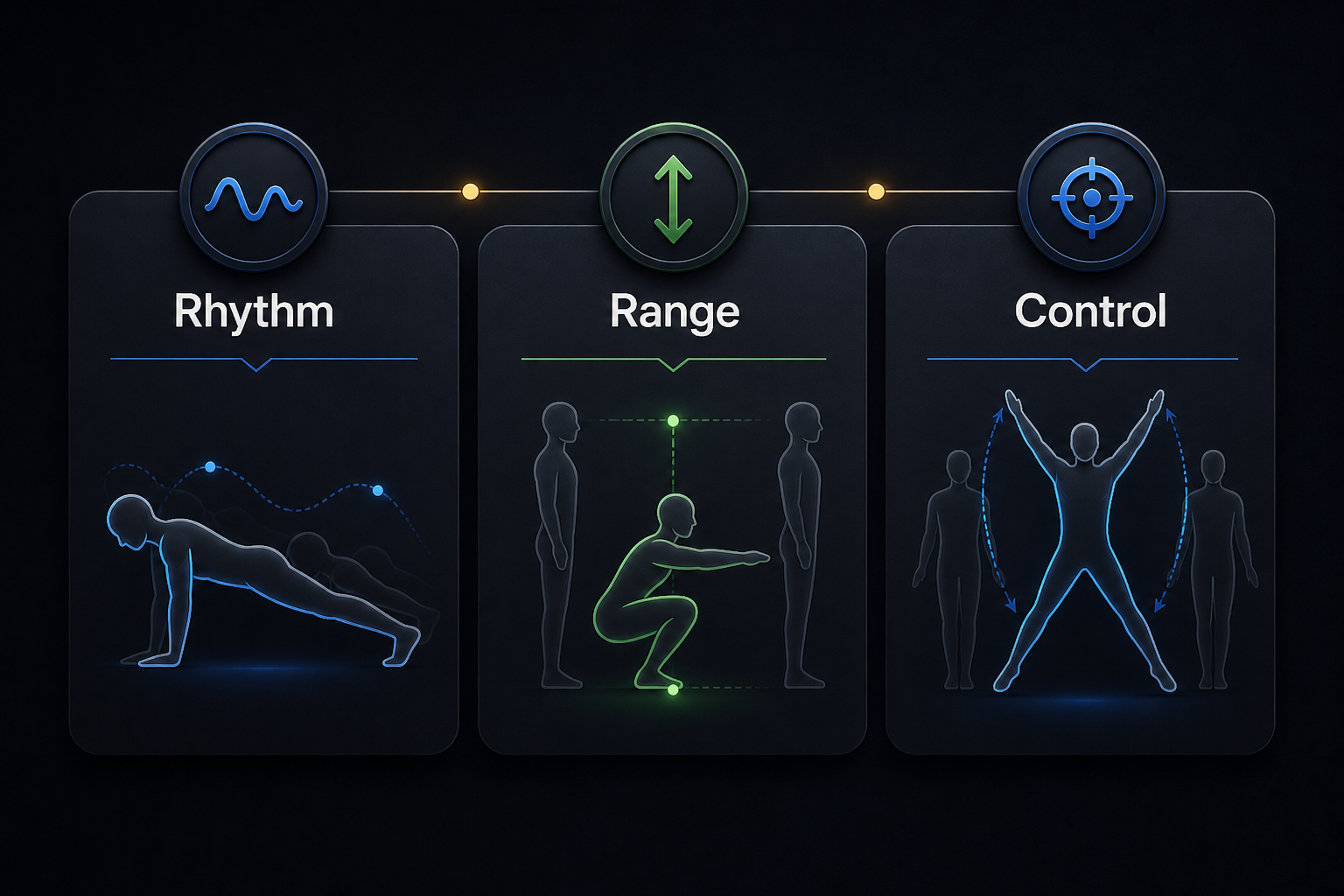
You do not need to become obsessed with biomechanics to train better at home. A simple three-signal framework is enough for most bodyweight workouts.
1. Rhythm
Rhythm is the pattern of your movement over time. Good rhythm does not mean every rep must be robotic. It means you can tell whether you are moving with intention or simply trying to survive the set.
For pushups, rhythm might look like a steady descent, a brief controlled bottom position, and a strong press back up. For jumping jacks, it might mean your feet and arms stay coordinated instead of slowly drifting out of sync.
2. Range
Range is how complete each repetition is. This matters because fatigue often makes reps smaller before you consciously notice. Your first squat may be deep and stable. Your fifteenth may become a shallow knee bend that your brain still labels as a squat.
The goal is not to chase maximum depth in every exercise. The goal is to choose a safe, repeatable range and notice when it changes.
3. Control
Control is the difference between performing an exercise and throwing yourself through it. It shows up in transitions: the bottom of a squat, the top of a pushup, the landing of a jumping jack.
Control also helps beginners avoid the common pattern of doing too much too quickly. The National Institute on Aging gives a useful reminder for strength and balance work: movement should be deliberate, and people should pay attention to safety as they build ability.
| Tracking Signal | What It Reveals | Simple Fix |
|---|---|---|
| Rhythm | Whether fatigue is making you rush or stall | Slow the next set by one breath |
| Range | Whether reps are getting shorter | Stop the set when range collapses |
| Control | Whether momentum is replacing strength | Pause briefly at the hardest point |
How To Set Up Your iPhone For AI Workout Tracking
Camera-based fitness tracking works best when your phone can see the full movement. You do not need a studio setup, but a few details matter.
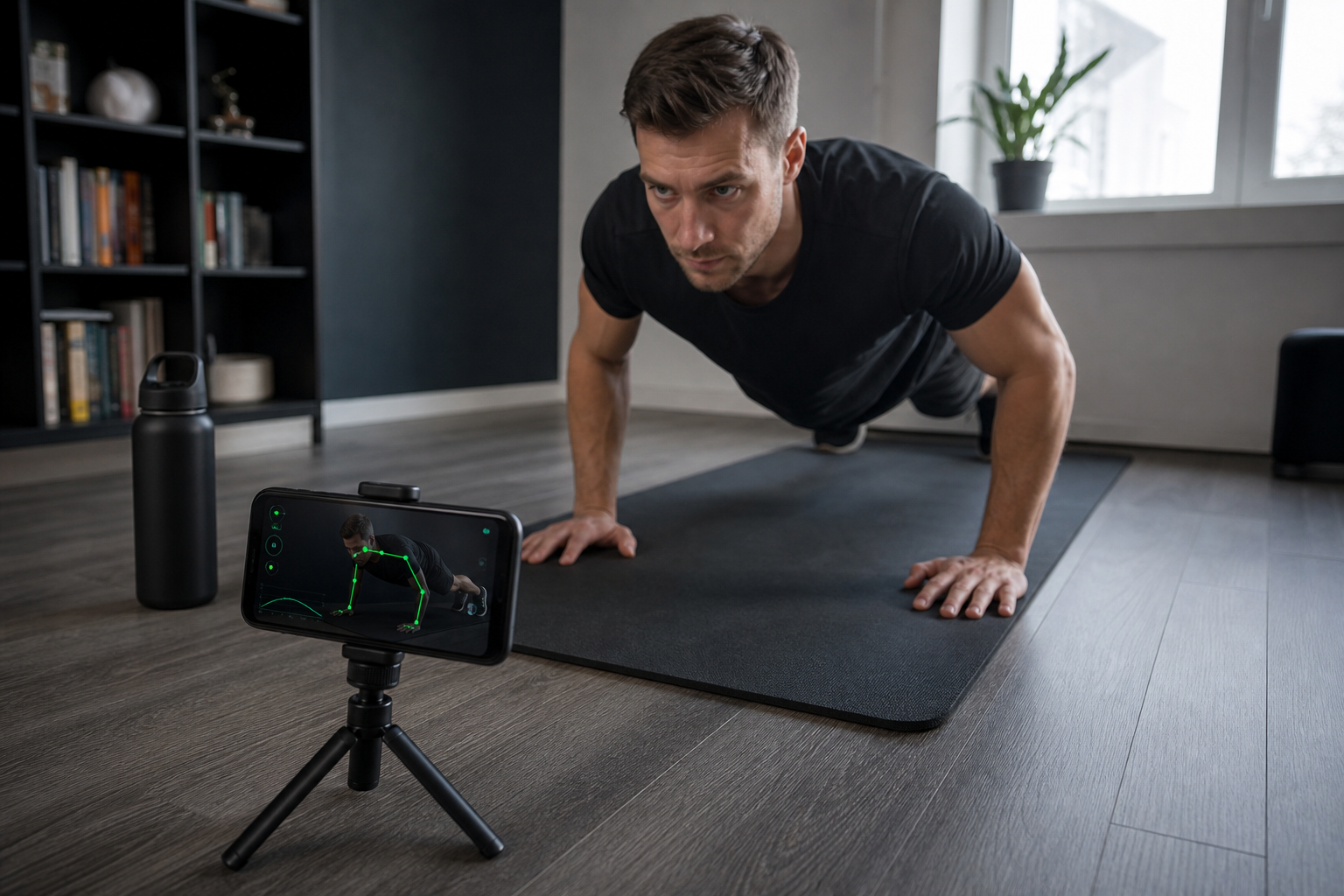
- Use a stable surface. A small tripod, shelf, or heavy book stack is better than leaning the phone against a bottle.
- Keep your whole body in frame. For squats and jumping jacks, the camera should see from head to feet.
- Choose side angles for pushups and squats. Side views make range and control easier to observe.
- Reduce visual clutter. A clean background helps movement tracking stay focused.
- Review patterns, not perfection. One messy rep is normal. Repeated breakdowns are the signal.
Where RepCounta AI Fits In
The best fitness tools do not try to turn every beginner into a data analyst. They quietly remove friction.
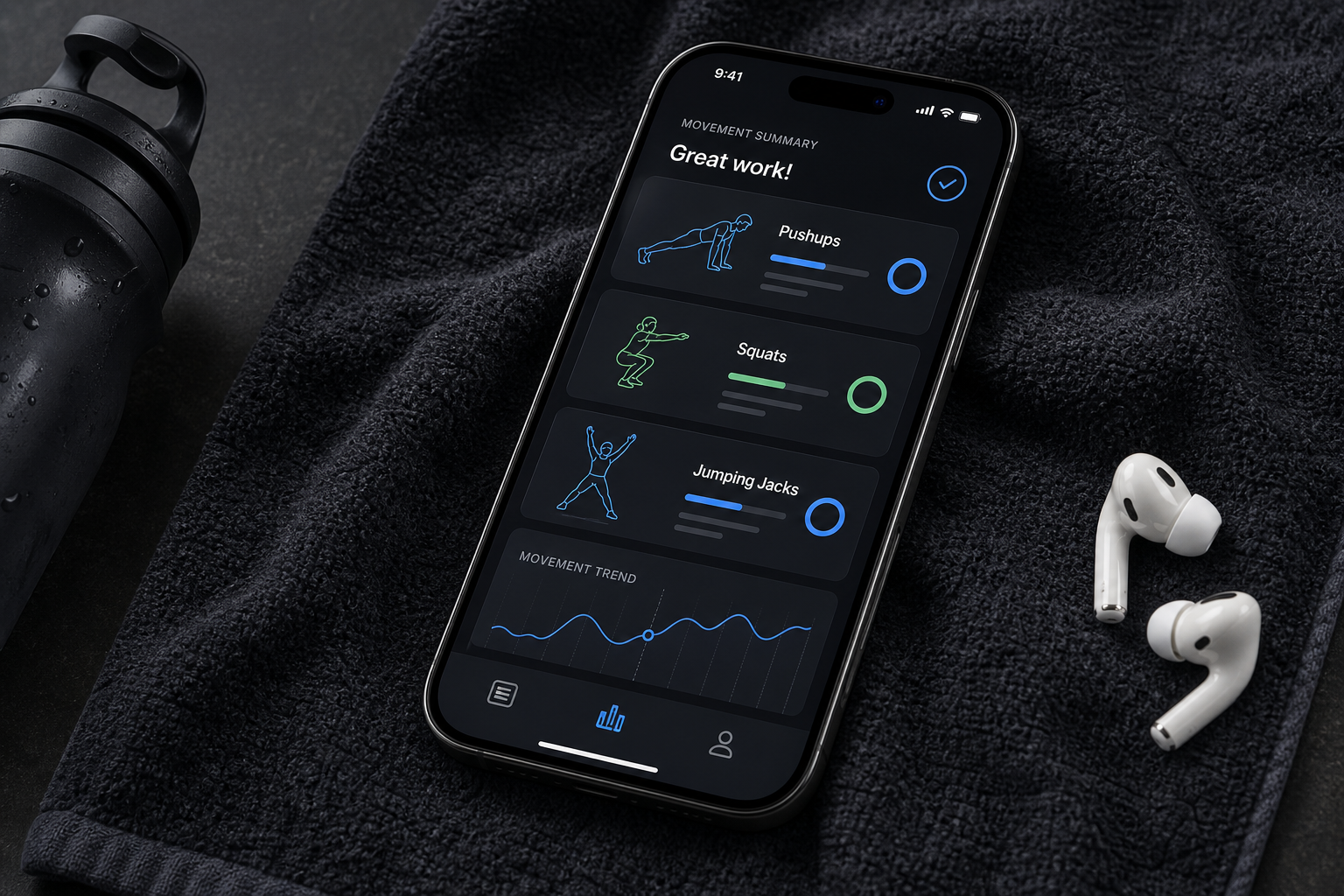
RepCounta AI is built around that kind of lightweight feedback loop: use your iPhone camera to track exercises like pushups, squats, and jumping jacks so you can stay present in the workout instead of mentally counting every rep. For people training at home, that can make sessions feel less scattered and more accountable.
A simpler way to track bodyweight workouts
If you like workout systems that reduce mental friction, apps like RepCounta AI for iPhone are useful because they let the camera handle rep tracking while you focus on movement quality.
A Practical 20-Minute Form-Aware Workout
Try this when you want a short workout that feels structured but not overcomplicated.
- Warm up for three minutes. March in place, do arm circles, then slow bodyweight squats.
- Pushups for two controlled sets. Stop when your range or rhythm changes sharply.
- Squats for three sets. Keep the same depth across the set instead of chasing a higher number.
- Jumping jacks for two rounds. Watch whether coordination stays smooth near the end.
- Cool down and review. Write one sentence: “The first thing that changed under fatigue was…”
That final sentence matters. It turns a workout from a completed task into feedback you can use next time.
The Real Benefit: Less Guesswork, More Awareness
People often assume motivation is the missing piece. Sometimes it is. But very often, the missing piece is feedback.
When a workout gives you no feedback, every session feels like a fresh negotiation. Did you do enough? Was it too easy? Was your form fine? Should you add reps? Should you repeat the same routine?
AI fitness tracking cannot answer every question, and it should not replace professional coaching when you need it. But for everyday home workouts, it can make the invisible parts of training easier to notice.
FAQ
Can an iPhone camera really count workout reps?
Yes, camera-based AI fitness apps can estimate body movement and count supported exercises when the full body is visible and the phone is placed securely. Accuracy depends on lighting, camera angle, exercise type, and how clearly the movement is framed.
Is AI workout tracking useful for beginners?
It can be especially useful for beginners because it reduces the mental load of counting reps. The key is to treat tracking as feedback, not judgment, and to prioritize safe movement over bigger numbers.
What exercises work best with an AI rep counter?
Clear, repeatable bodyweight movements usually work best. RepCounta AI focuses on exercises such as pushups, squats, and jumping jacks, where the camera can observe visible movement patterns.
Should I chase more reps or better form?
Better form should come first. More reps are useful only when you can perform them with a stable rhythm, consistent range of motion, and enough control to avoid turning the exercise into momentum.