 Pocket Tables – Personal Database
Pocket Tables template
Event Planner for iPhone
Keep your event planner records your way.
Keep vendors, services, quotes, and deposit status together in one flexible planning table.
Flexible fieldsManual trackingMake it yours
See it in action
Everything in one clear table.
Add a supplier, record the quote and whether the deposit is paid, then see what is confirmed and what is still open.
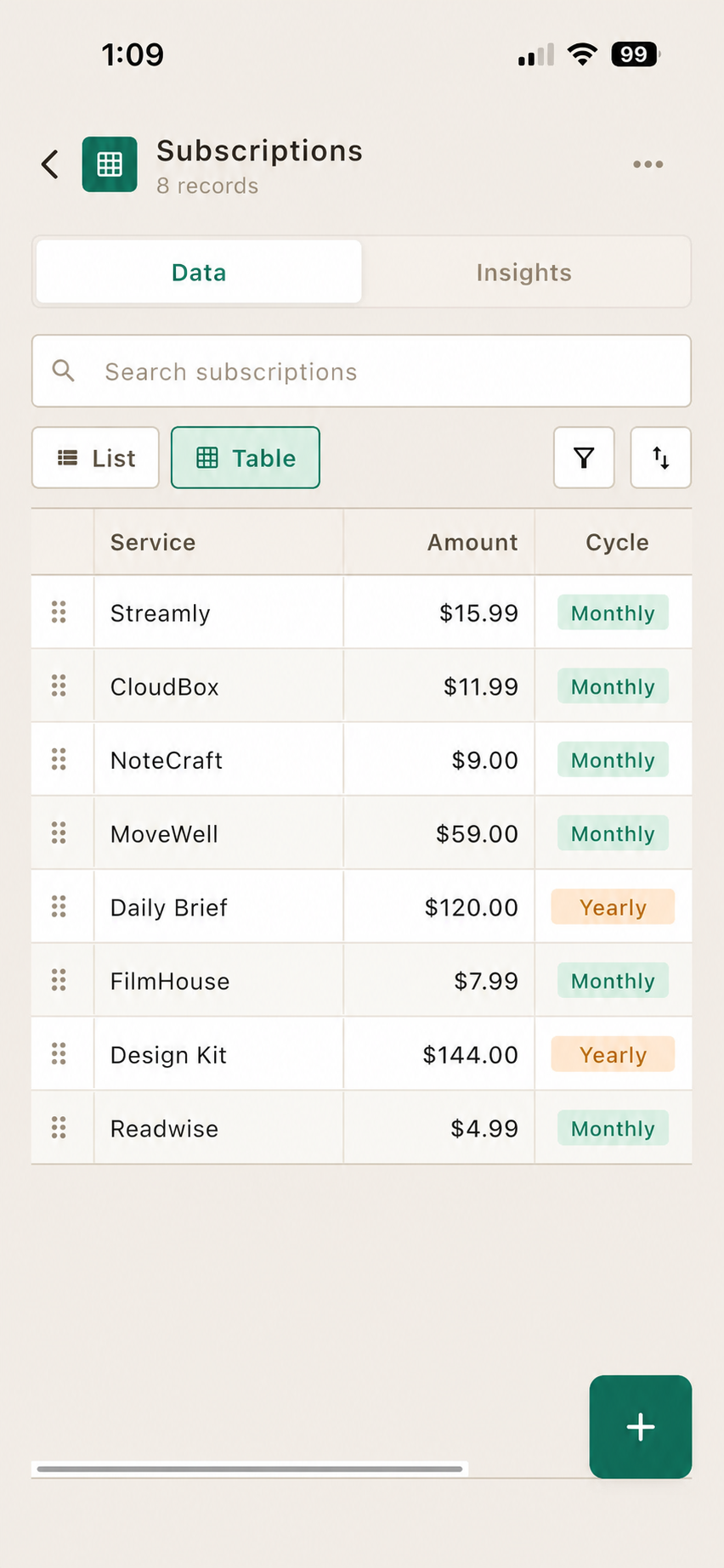
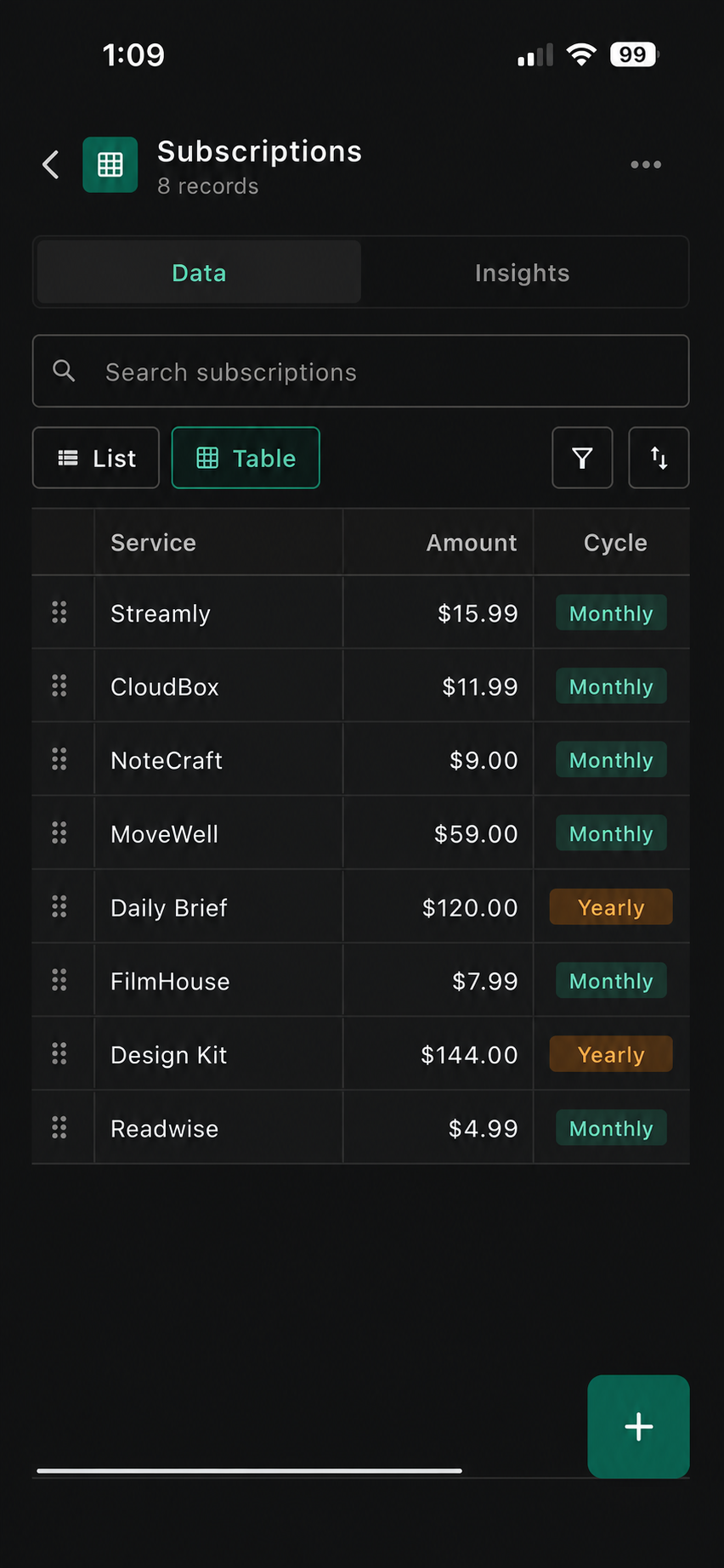

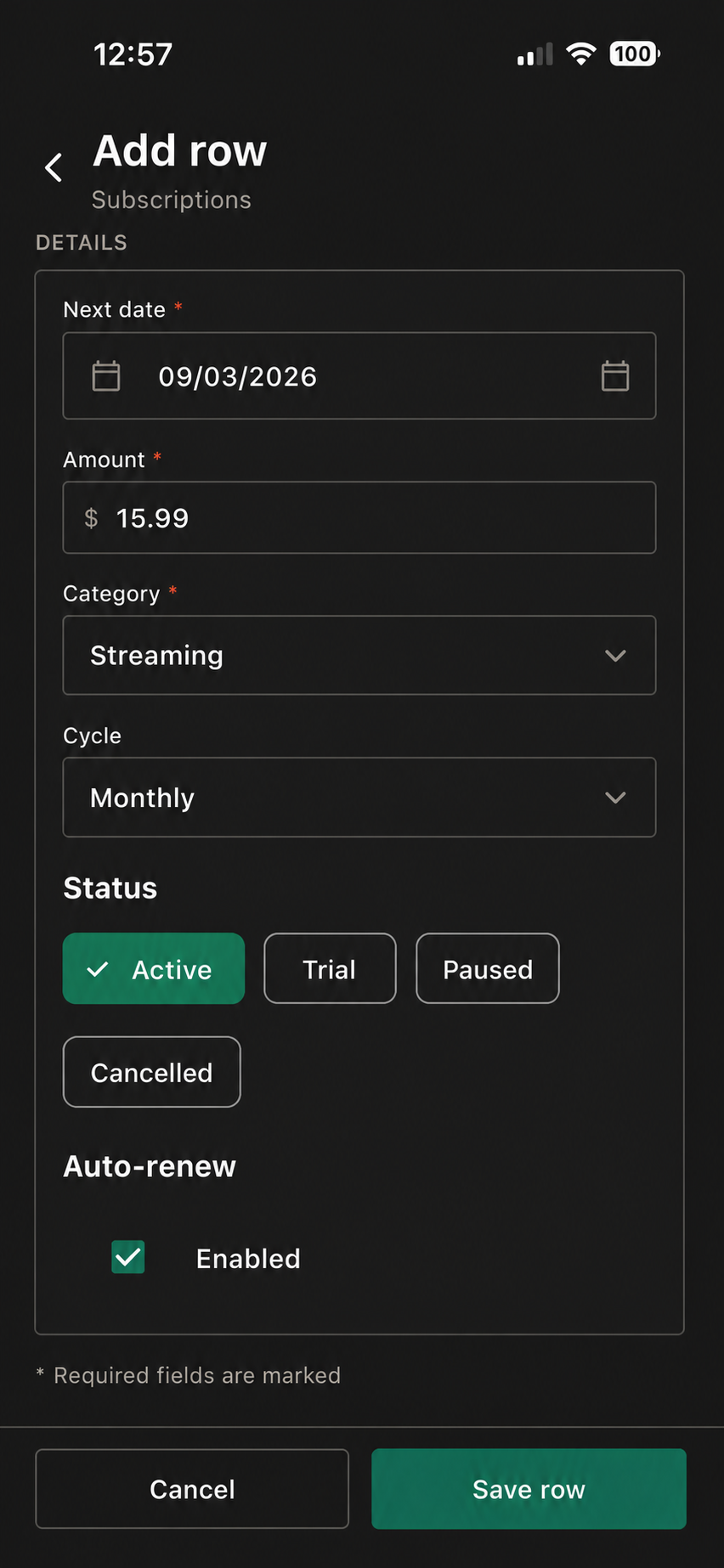

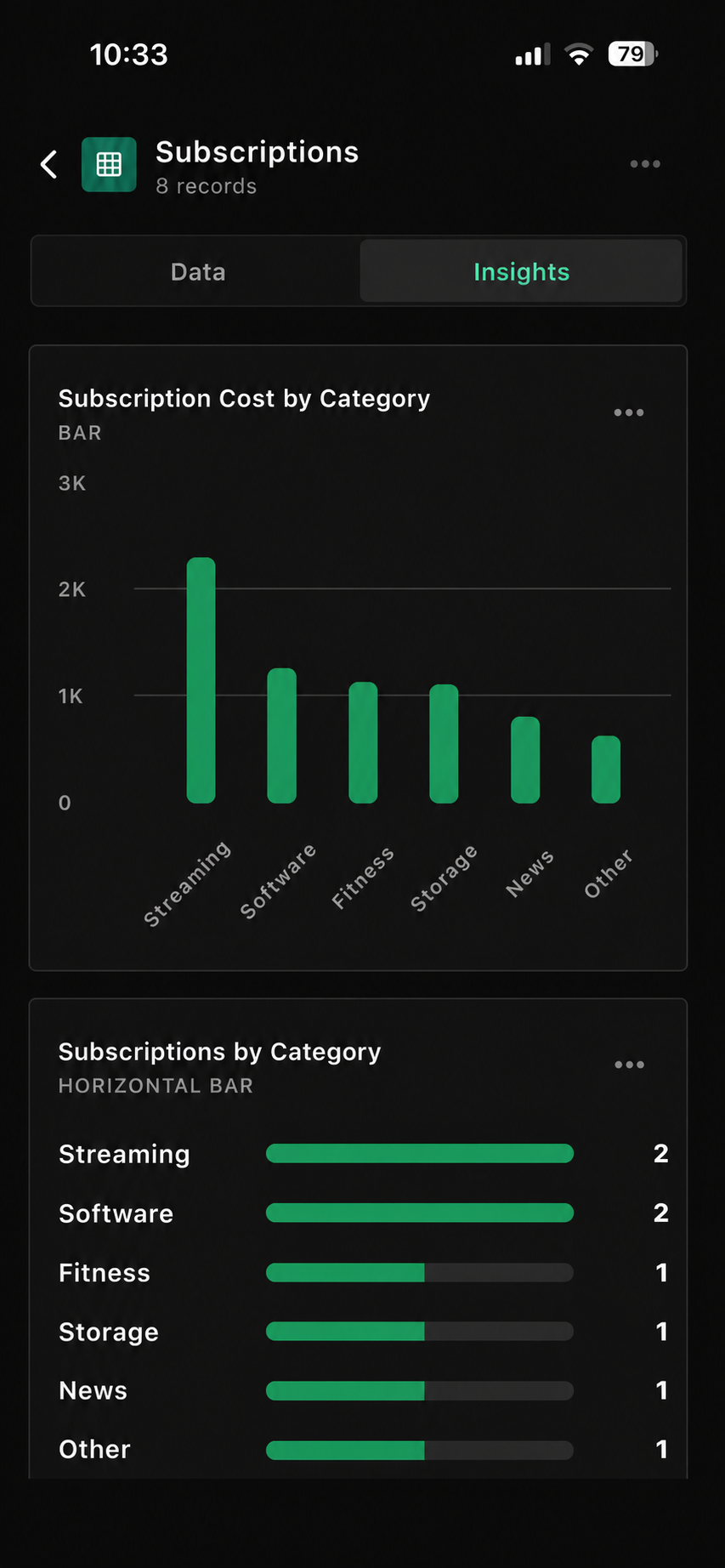
Sample event planner table
See the tracker at a glance.
Use your own categories, labels, values, and fields.
| Vendor | Service | Quote | Deposit Paid | Detail |
|---|---|---|---|---|
| Oak & Rye | Personal | $24.00 | Yes | Saved record |
| Floral Studio | Work | $58.00 | No | Review soon |
| Maya Photo | Home | $110.00 | Yes | In progress |
| The Terrace | Other | $36.00 | No | Personal note |
Suggested fields
Start with these columns.
Use only the fields that help you make a clearer record.
Three quick steps
Set it up your way.
Open Event Planner
Start with the template inside Pocket Tables.
Adjust the fields
Keep the details that make this record useful to you.
Add records as needed
Update the table when you want a clearer view.
Make it yours
Add the details you’ll actually use.
Keep the essentials visible first. Add an extra field only when it makes this tracker easier to use.
TagsAdd it only if it helps you keep a clearer record.
ReferenceAdd it only if it helps you keep a clearer record.
Date addedAdd it only if it helps you keep a clearer record.
Status notesAdd it only if it helps you keep a clearer record.
Personal notesAdd it only if it helps you keep a clearer record.
Questions
Good to know before you start.
Pocket Tables keeps the tracker flexible and manual, so you stay in control of the records.
What is a event planner tracker?
It is a flexible table for the event planner details you want to keep in one place.
Can I customize the event planner template?
Yes. You can adjust fields, labels, and records to fit the way you keep track.
Can I add more fields?
Yes. Add the details that make the tracker more useful to you.
Can I export my records?
Pocket Tables lets you export records when you need a shareable or saved copy.
Keep exploring
Pocket Tables
Start with the event planner.
Download Pocket Tables, then open the template inside the app and adjust it for the way you keep records.
