 Pocket Tables – Personal Database
Pocket Tables template
Monthly Budget Template for iPhone
See where the month is going, one entry at a time.
Use a flexible monthly budget template for iPhone to record dates, descriptions, categories, amounts, and paid status in one simple table.
Manual trackingFlexible fieldsReview by category
See it in action
Everything in one clear table.
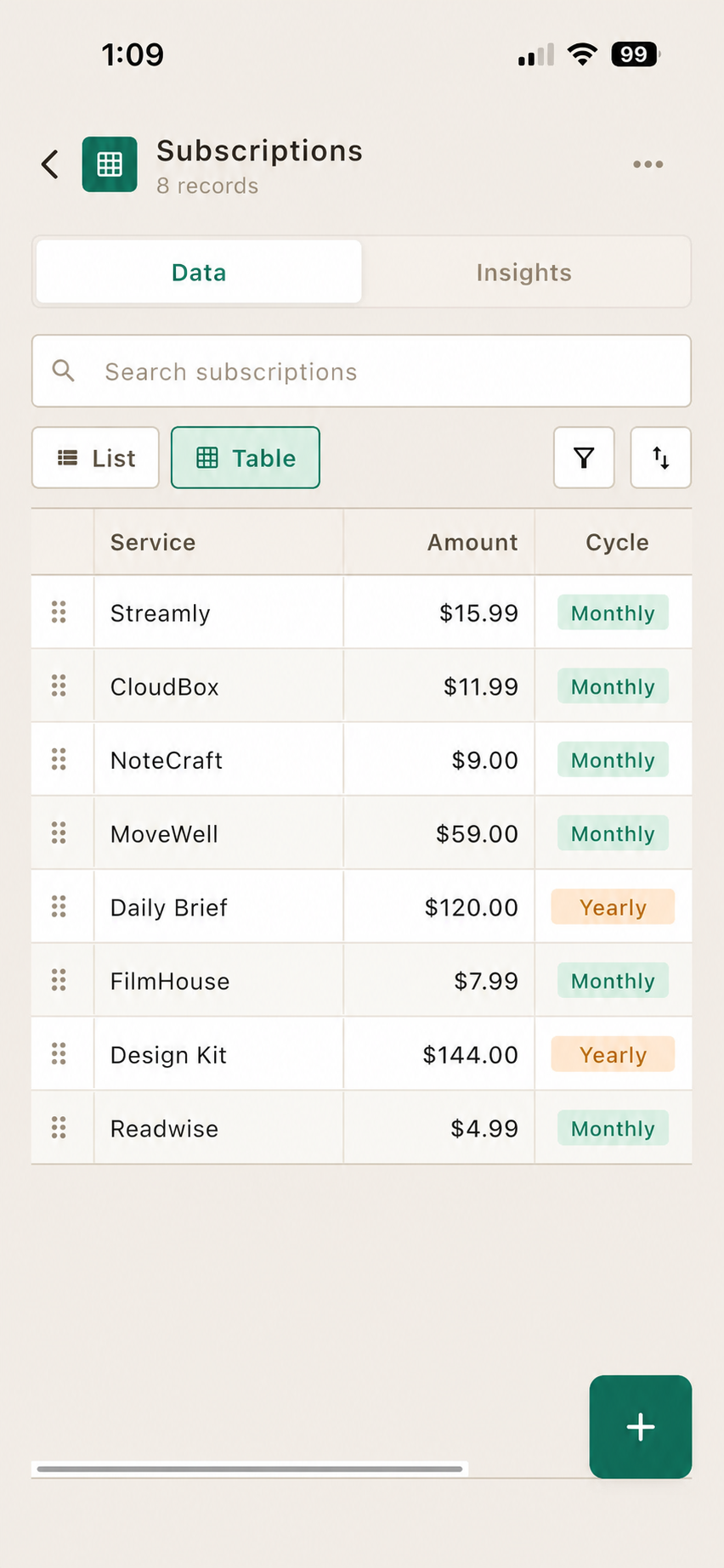
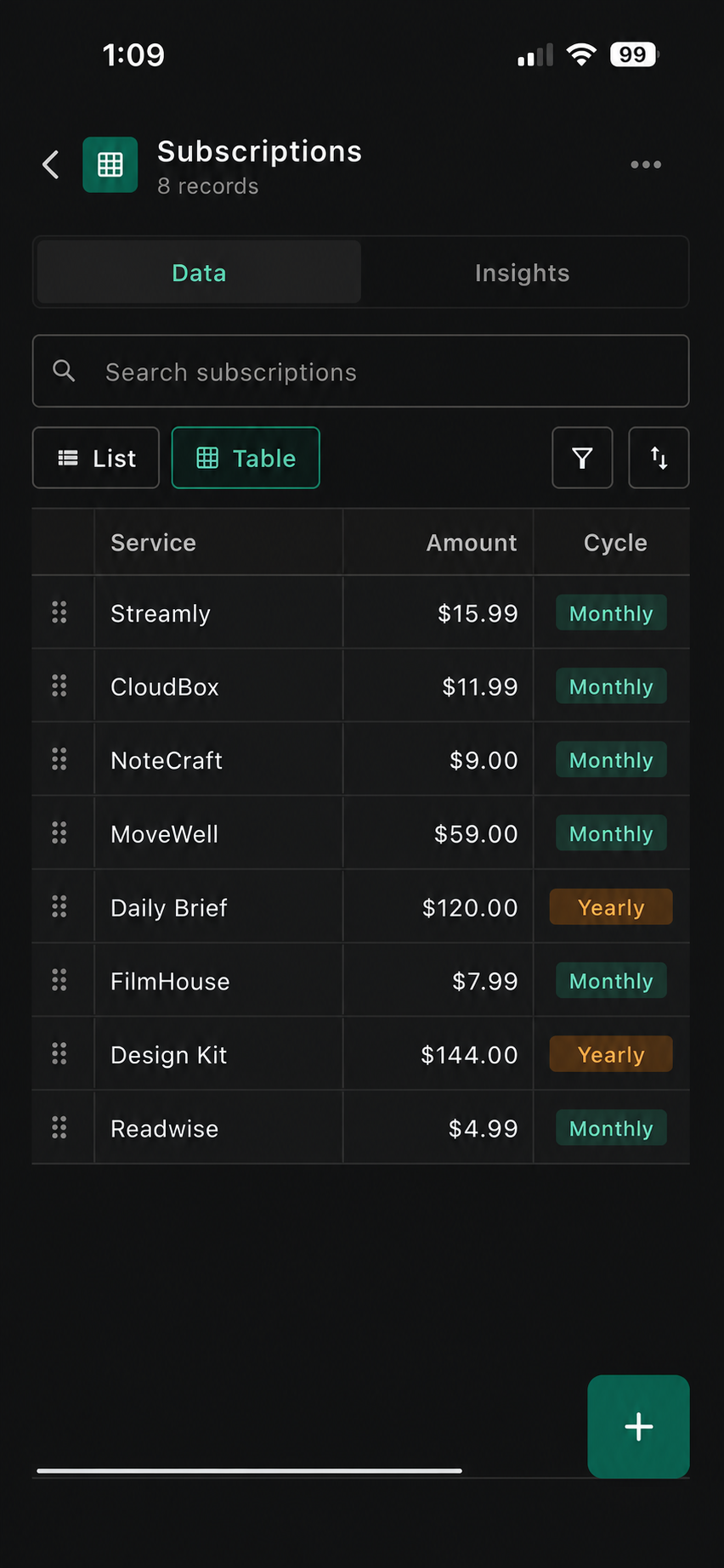
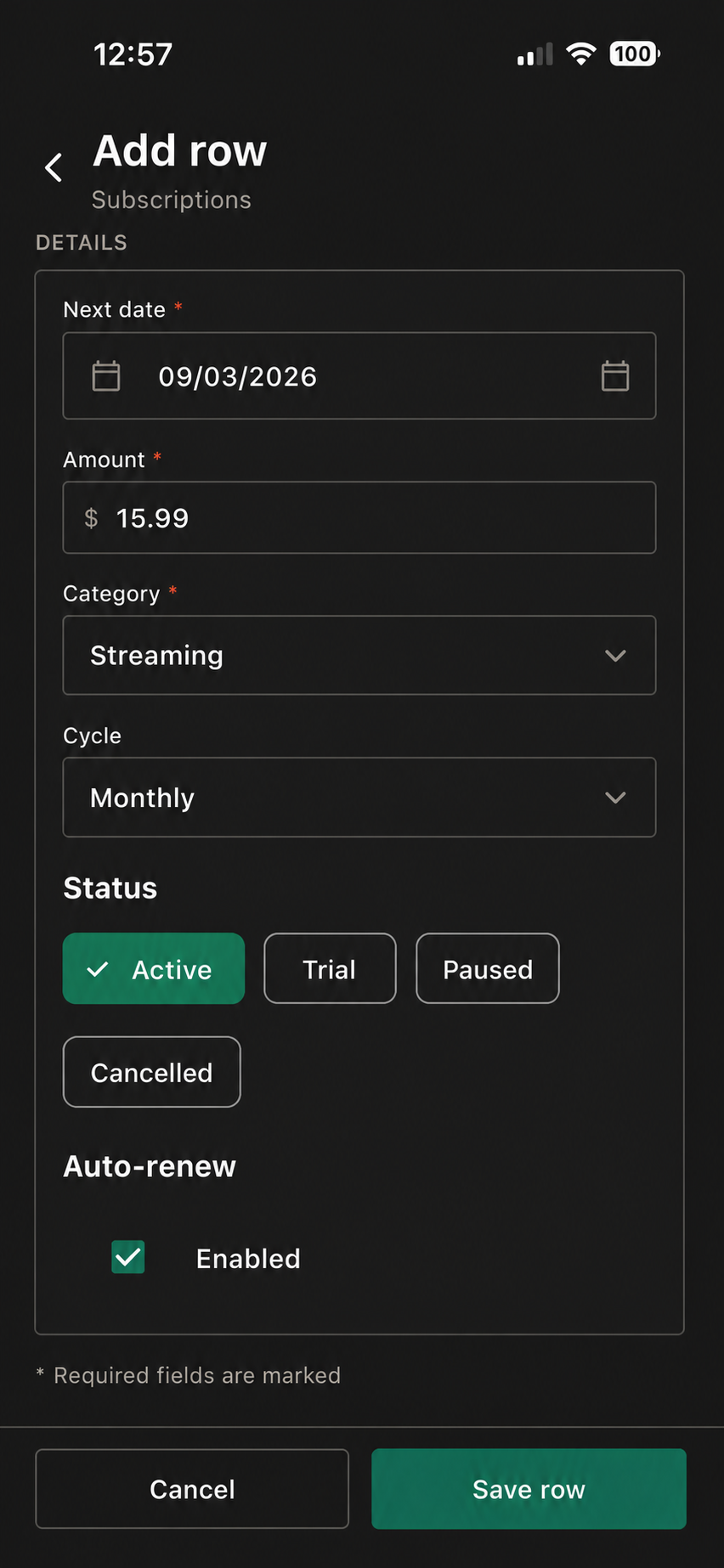
Add an expense, put it in a category, then see where the month actually went at the end of it.


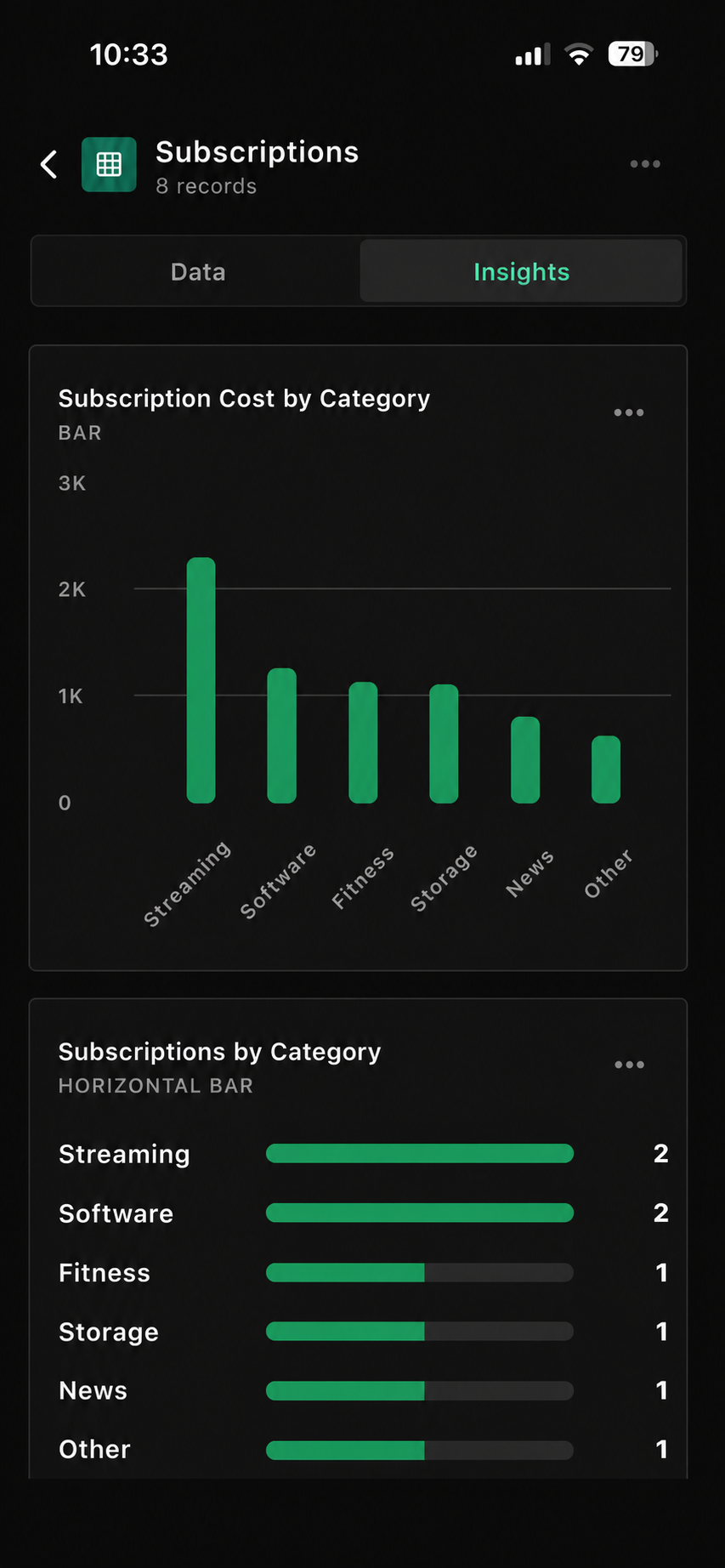
Sample monthly budget
See the tracker at a glance.
Use your own currency, categories, payment types, and fields.
| Date | Description | Category | Amount | Paid | Detail |
|---|---|---|---|---|---|
| 1 Sep 2026 | Rent | Housing | $1,450.00 | Yes | Monthly |
| 3 Sep 2026 | Groceries | Food | $86.40 | Yes | Weekly shop |
| 8 Sep 2026 | Phone plan | Utilities | $45.00 | Yes | Recurring |
| 15 Sep 2026 | Gym membership | Health | $29.99 | No | Due soon |
Suggested fields
Start with these columns.
Use only the fields that help you make a clearer record.
Three quick steps
Set it up your way.
Open Monthly Budget
Start with the template inside Pocket Tables.
Set your categories
Use groups that reflect how you actually spend.
Add entries as you go
Record planned and completed spending together.
Make it yours
Add the details you’ll actually use.
Keep the essentials visible first. Add an extra field only when it makes this tracker easier to use.
Due dateKeep a planned payment visible.
Payment methodNote how an entry was paid.
Income typeAdd money-in records too.
Recurring costMark a regular payment.
Spending notesKeep a short explanation when helpful.
Questions
Good to know before you start.
Pocket Tables keeps the tracker flexible and manual, so you stay in control of the records.
Is this a bank-sync budgeting app?
No. This is a flexible manual template. You enter and review the records you choose to keep.
Can I use another currency?
Yes. Set amounts in the currency that works for your own budget.
Can I include planned expenses?
Yes. Add an entry before payment and use the Paid field as a simple reference.
Can I make separate budgets?
Yes. Create separate tables or add fields that suit different months or goals.
Keep exploring
Pocket Tables
Start with the monthly budget template.
Download Pocket Tables, then open the template inside the app and adjust it for the way you keep records.
