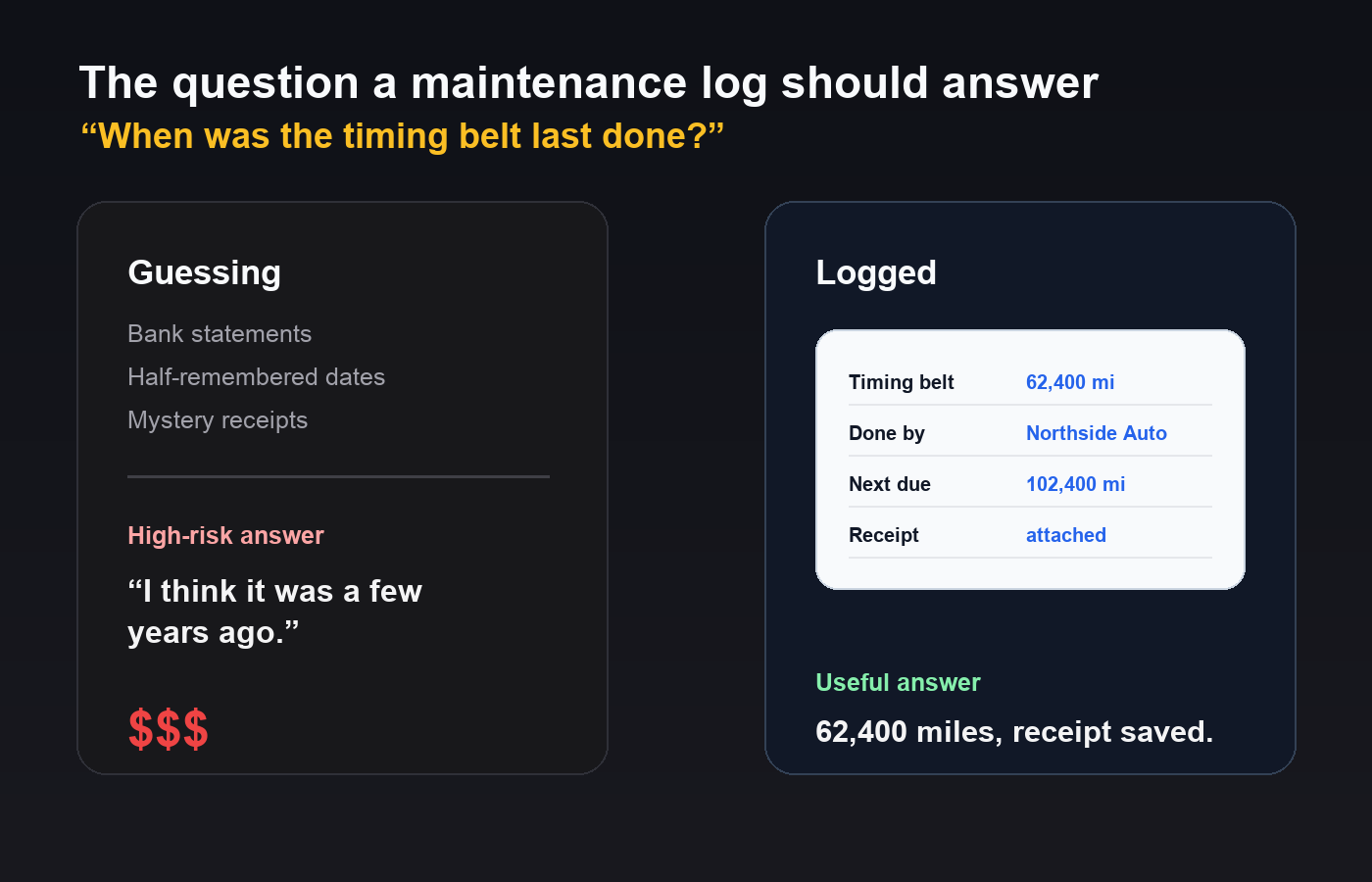
The question that exposes a missing maintenance log is always the same, and it always arrives at a bad moment: “when was the timing belt last done?” Either you know, or you are guessing about a job that costs four figures to redo and rather more to skip.
A maintenance log is not paperwork for its own sake. It answers three questions — what has been done, what is due, and can you prove it — and each one wants slightly different information.
The fields that carry the weight
A usable entry needs six things. Fewer, and you will find yourself reconstructing history from bank statements.
- Date. Obvious, and the least useful of the six on its own.
- Mileage. The real unit. Service intervals are written in miles, wear happens in miles, and a date without an odometer reading tells you almost nothing.
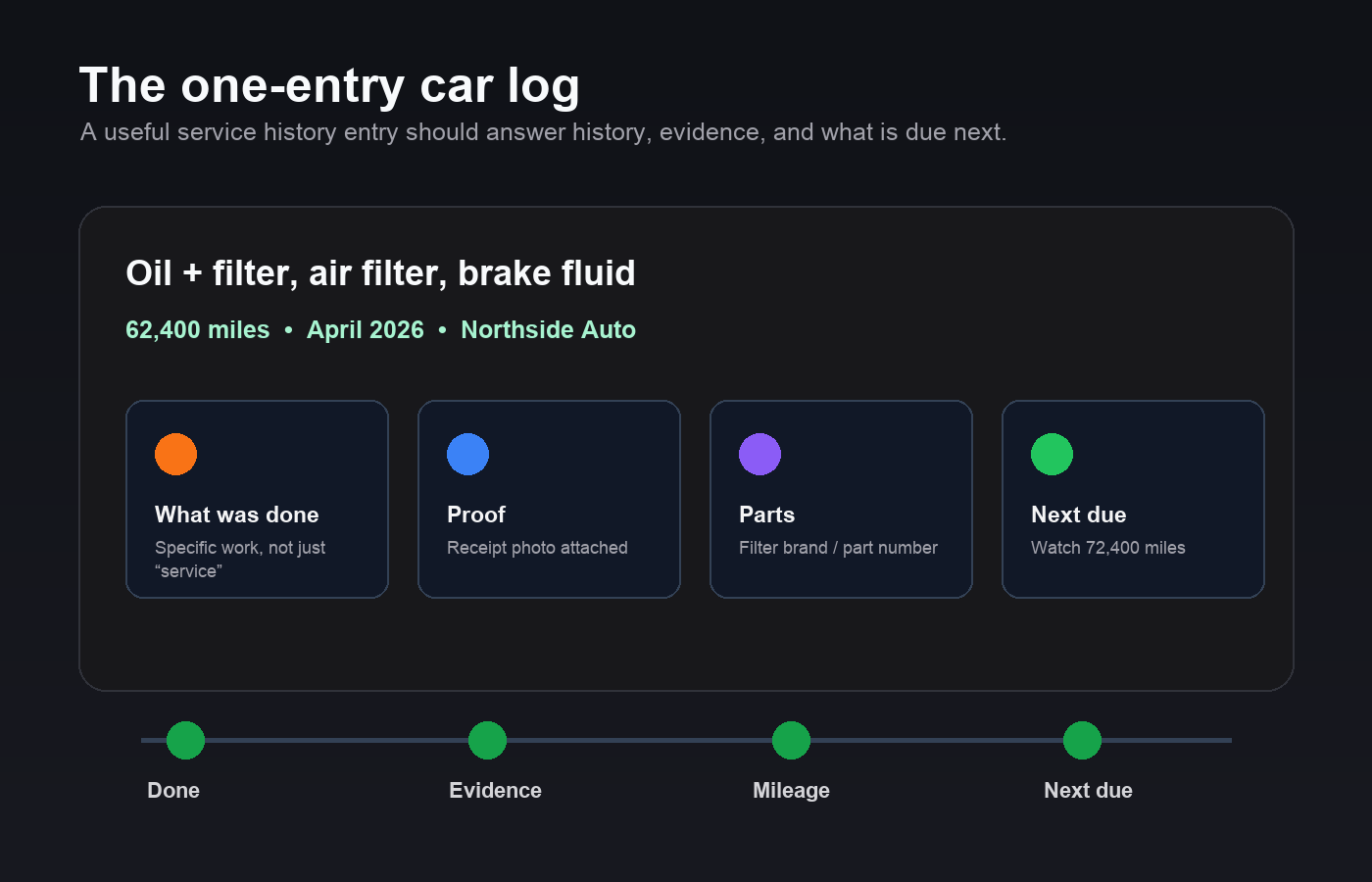
- What was done. Specific. “Service” is not a record. “Oil and filter, air filter, brake fluid” is.
- Who did it. The garage’s name, or yourself. This matters more than people expect — it is how you find the person who knows the car when something recurs.
- Cost. Partly for budgeting, partly because a number is a memory aid for what the job involved.
- Parts used. Brand and part number where you have them, especially for anything you might need to match later — filters, batteries, tyres, wipers.
If you record nothing else, record mileage and what was done. Those two carry most of the value.
Why mileage is the unit, not time
Two cars serviced on the same date can be twenty thousand miles apart. Every interval that matters — oil, belts, filters, fluids, tyres — is specified against distance, sometimes with a time limit as a backstop for cars that sit unused.
Logging by mileage also makes the next thing due obvious. If the oil was changed at 62,400 and the interval is 10,000, you know exactly what number to watch for. Logging by date leaves you doing arithmetic with an unknown, because you do not know how much you drove last year.
The practical version: write the odometer reading down every single time, even for something as small as topping up coolant. It costs three seconds and it is the field you will most often wish you had.
“A log says the work happened. A receipt proves it. The difference only matters twice, and both times it is expensive.”
Keep the evidence, not just the entry
A log says the work happened. A receipt proves it. The difference matters in exactly two situations, and both are expensive.
The first is a warranty claim, where a manufacturer or a garage may ask you to show the servicing was done on schedule. The second is a sale, where “it has been fully serviced” and “here is every invoice” are not the same statement, and the second one is worth more.
Photograph the invoice when you get it. Paper fades, glove boxes get cleared out, and garages change hands. A photo attached to the log entry survives all three.
Track what is due, not only what is done
Most people log history and stop there, which turns the log into an archive rather than a tool. The other half is a short list of what is coming:
- Next service — the mileage, not the month.
- Timing belt or chain — the one job where a missed interval destroys the engine. Record when it was done and when it is next due, even if that is years away.
- Tyres — fitted date, mileage, and which corners they went on if you rotate them.
- Battery — fitted date. Batteries fail in cold weather, and knowing yours is six years old is the difference between replacing it and being stranded by it.
- Legal dates — registration, inspection, insurance renewal. Not maintenance, but the same failure mode: cheap if remembered, expensive if not.
What you can safely leave out
Fuel fill-ups, unless you are specifically chasing a fuel economy problem. Car washes. Anything you will never look up again. A log you resent updating gets abandoned, and an abandoned log is worse than none because you will trust it while it is quietly out of date.
The test for any field: would you ever search on it, sort by it, or show it to someone? If not, it is decoration.
| Where you keep it | Works well for | Falls down when |
|---|---|---|
| Receipts in the glove box | Proving history at a sale, with the car present | You need to answer a question away from the car |
| Spreadsheet | Sorting, searching and spotting what is due | The odometer reading happens on a driveway and the sheet is indoors |
| An app on your phone | Entering the reading at the moment it exists | You want it on a laptop too, or the app locks your data in |
Where to keep it
A folder of receipts in the glove box is the traditional answer, and it works right up until the moment you need to answer a question without the car in front of you.
A spreadsheet is a real improvement — sortable, searchable, and free. Its weakness is that it lives on a computer while the odometer reading happens on a driveway, so entries get postponed and then forgotten. If you use one, the discipline is to enter the reading from your phone before you go inside.
A simpler way to keep a service history
A dedicated app is the middle path: structured fields, and it is in your pocket at the moment the information exists. If you want that, the vehicle maintenance log template in Pocket Tables starts with these fields already set up — date, mileage, work done, garage, cost — and you can add or delete columns to match how you actually run the car. It is an iPhone app with no account, and it stays on the phone, which is worth knowing either way: nothing syncs to a laptop, so exporting occasionally is on you.
Whichever you choose, the format matters far less than the habit. The best maintenance log is the one that gets the odometer reading written down while you are still standing next to the car.
Starting from a car you already own
If you are beginning this halfway through a car’s life, you do not need to reconstruct everything. Record what you know: current mileage, the last service you can evidence, and anything major you remember. Then add every entry from today forward.
Within a year you will have something genuinely useful, and within three you will have the thing that makes a private sale straightforward — a history that reads as though someone was paying attention, because someone was.
Common questions
What should a car maintenance log include?
Six fields carry almost all the value: date, mileage, exactly what was done, who did it, what it cost, and the parts used. If you only ever record two, make them mileage and what was done.
Is mileage or the date more important?
Mileage. Service intervals are specified in miles and wear happens in miles, so a date without an odometer reading tells you very little. Dates matter mainly as a backstop for a car that sits unused.
Do I still need receipts if I keep a log?
Yes. A log records that the work happened; the invoice proves it. That distinction matters in a warranty claim and at resale, where a full set of invoices is worth more than a claim of full service history.
How do I start a log for a car I have owned for years?
Do not try to reconstruct everything. Record the current mileage, the last service you can evidence, and any major work you remember. Then log every entry from today forward.
What should I not bother recording?
Fuel fill-ups, unless you are chasing an economy problem, and anything you will never search or sort by. A log you resent updating gets abandoned, and a stale log is worse than none because you will trust it.